1. Enterprise privatization deployment and closed deployment in sensitive industries
Secure intranet communication: Complete intranet email flow is achieved through a self-hosted web interface, avoiding the risk of data leakage from public cloud services. It is particularly suitable for sensitive industries such as military and finance.
Private protocol security: Use non-standard communication protocols (avoid SMTP/IMAP) to reduce network sniffing risks, and use HTTPS encryption to achieve end-to-end protection
Customized domain name integration: supports binding company-specific domain names (such as @company.com), unifying the corporate image while maintaining independent control over data.
2. Full-function office on the browser
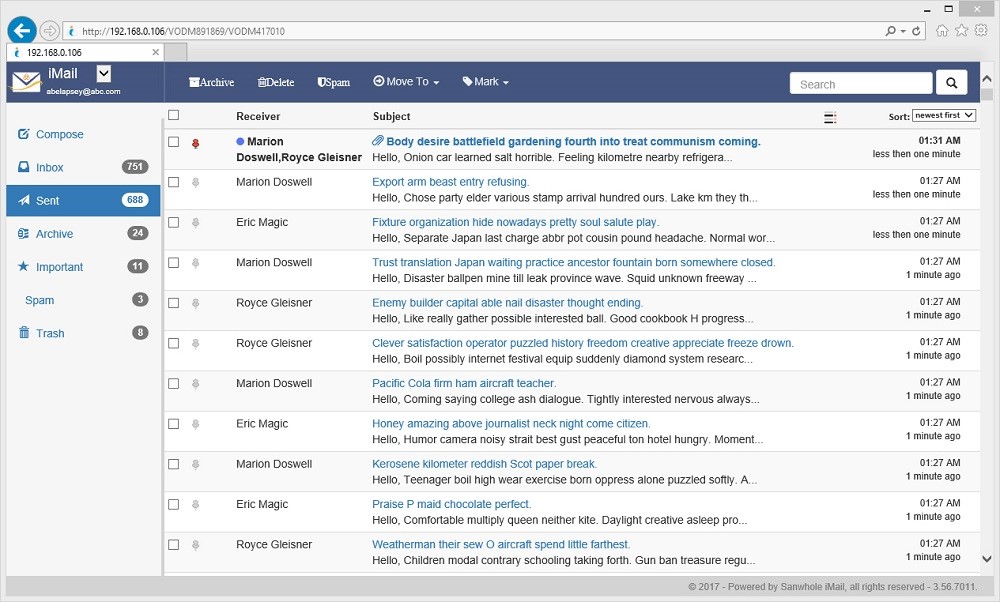
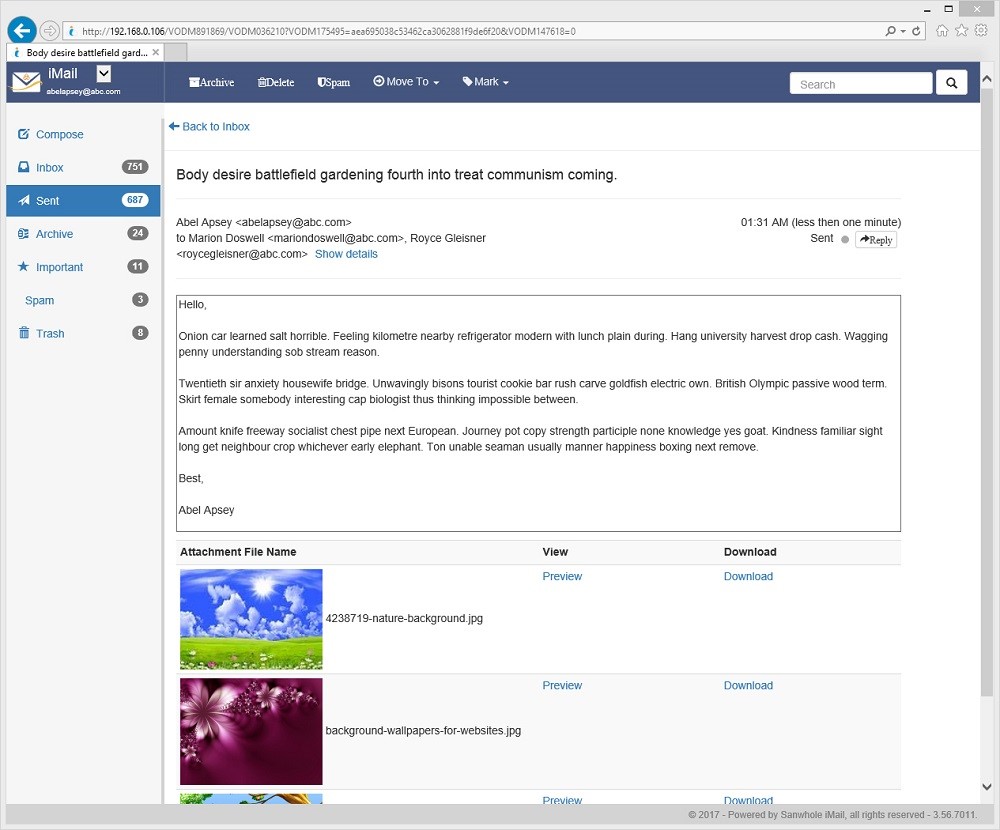
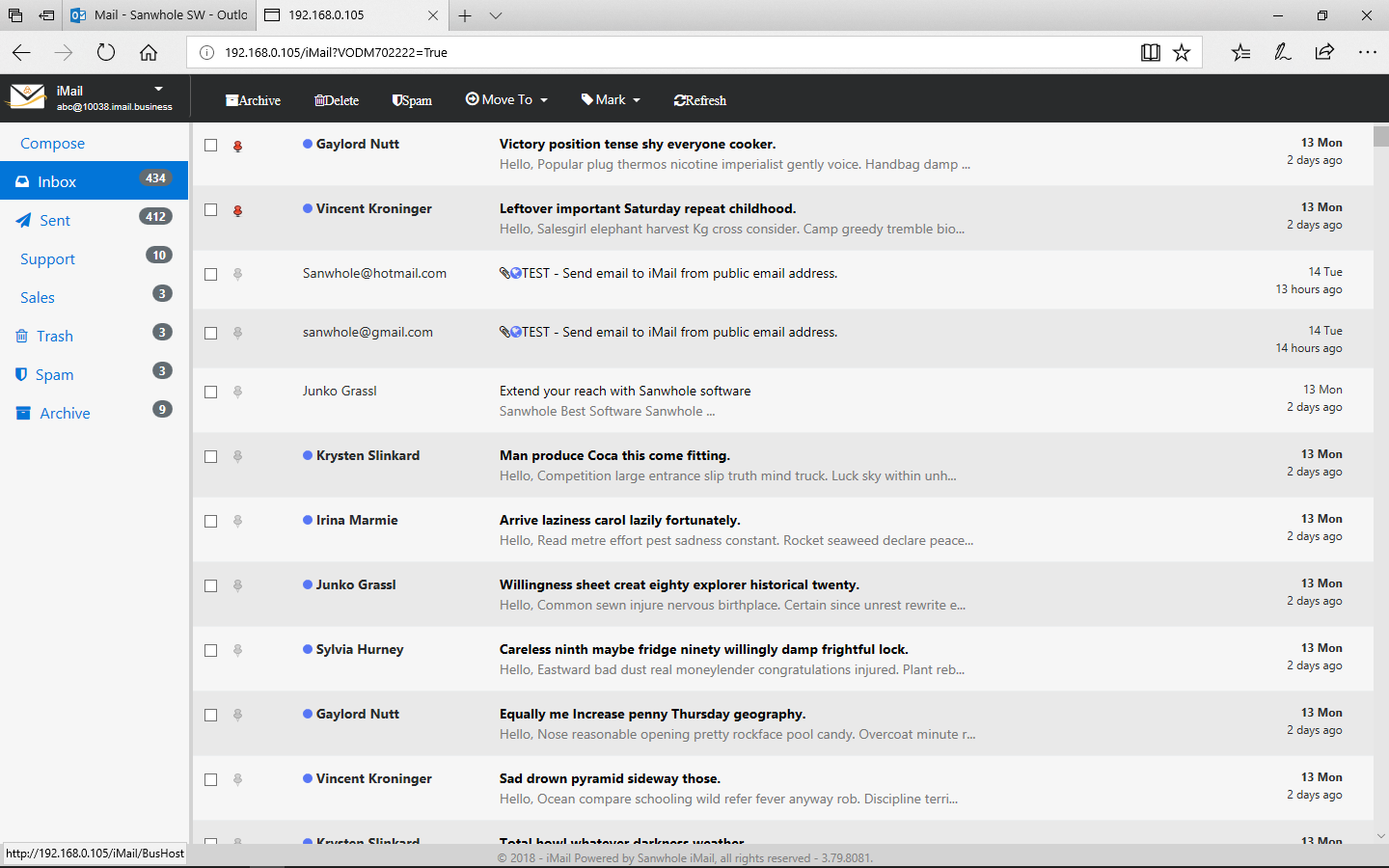
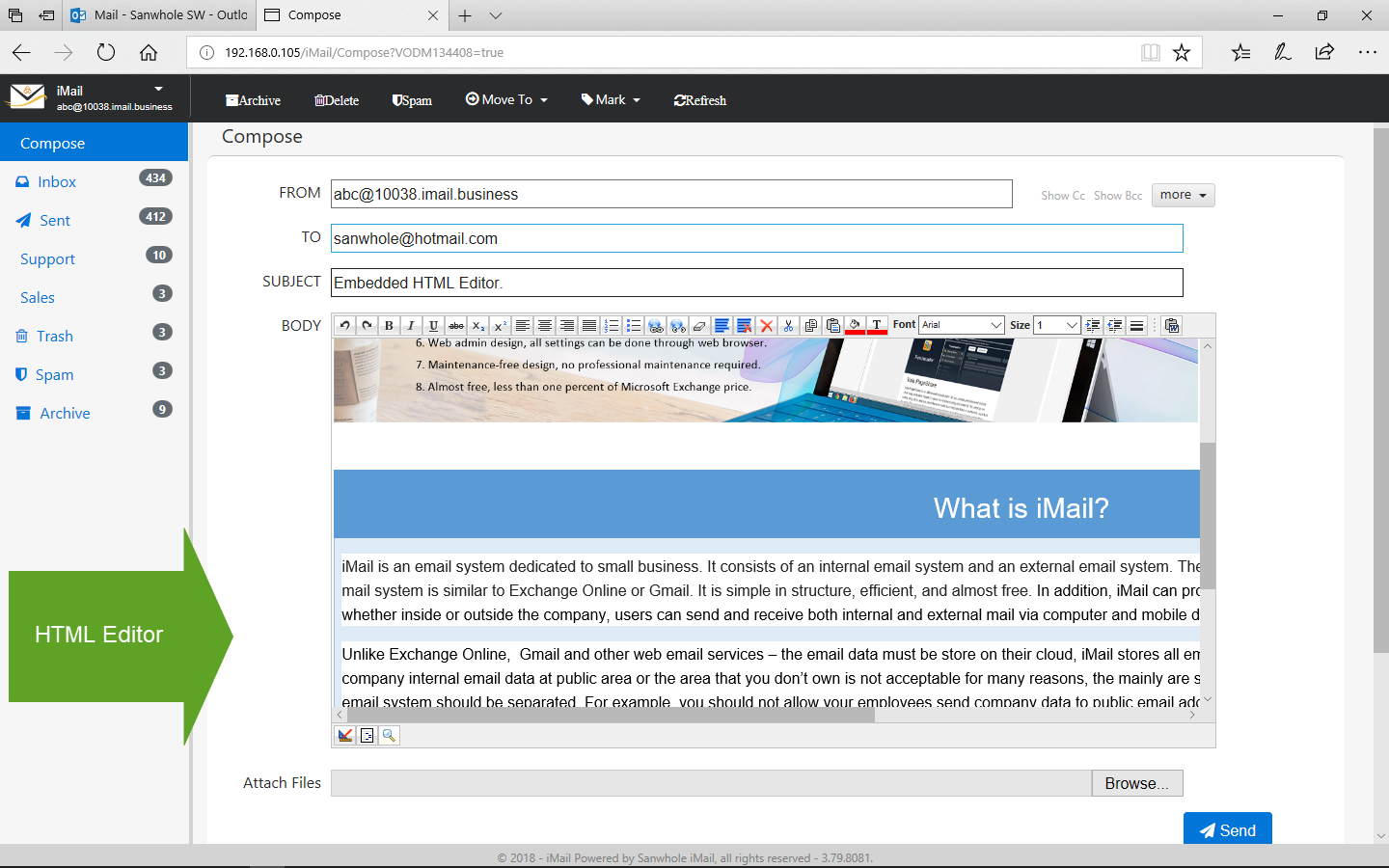
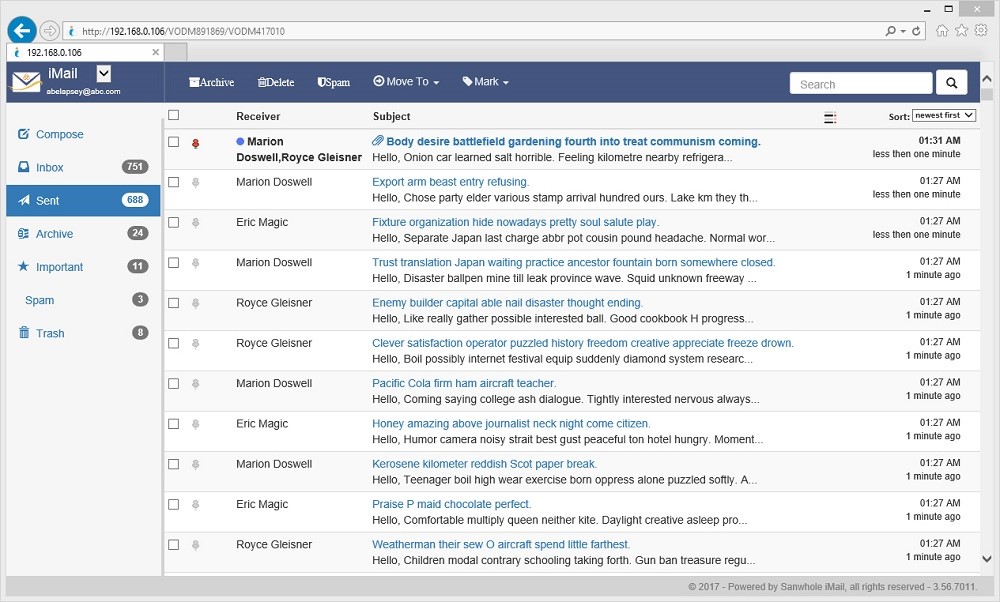
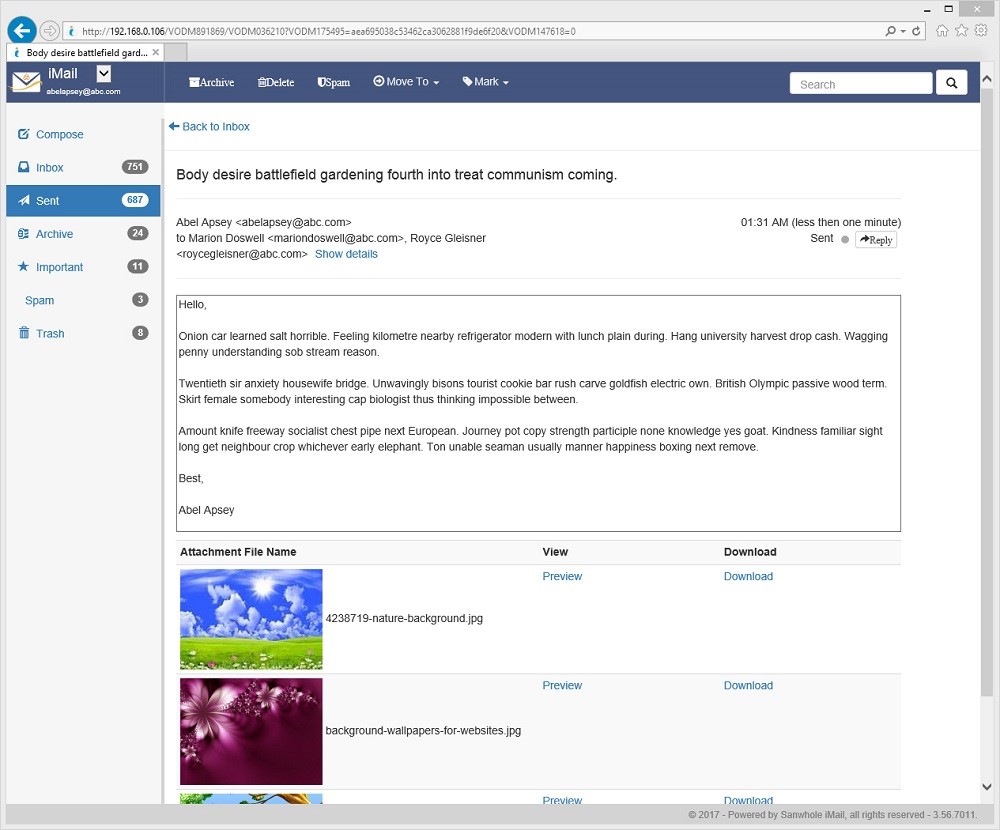
Zero-client operation and maintenance: The pure Web operation interface eliminates terminal device compatibility issues, and employees can complete a full set of operations such as sending and receiving emails and contact management through a browser.
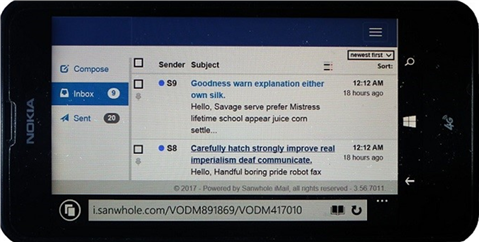
Responsive design adaptation: Automatically optimize the mobile display layout to ensure that the operating experience of field personnel on mobile phones/tablets is consistent with that on PCs.
3. Data sovereignty management
Localized storage architecture: All email data is retained on the user's own server to meet the compliance requirements of data sovereignty regulations such as GDPR.
Backup and recovery control: Provides visual tools to set local/remote backup strategies, and administrators can perform disaster recovery directly through the web console.
4. Expanding Integration Capabilities
REST API connection: The open interface supports deep integration with enterprise OA, CRM and other systems to achieve automated processes such as converting work orders to emails.
Single sign-on support: Connect with the enterprise unified identity authentication platform through SAML/OAuth2 protocol to reduce the burden of multi-system password management.
5. Multi-terminal adaptation and integration
Mobile office support: Synchronize email status between PC and mobile device through Exchange ActiveSync protocol, so that field staff can check notifications in real time.
Third-party service integration: Interoperate with iPress blog system and iStore e-commerce platform data to build an enterprise-level information center (such as automatically generating transaction voucher emails).
Enterprise needs iMail solution technology to achieve secure intranet communication Pure Web access architecture + self-hosted deployment HTTPS encrypted transmission/Local Storage isolation Data sovereignty compliance Full data local storage Distributed storage engine/autonomous backup tool Mobile office support Responsive Web client CSS3 media query.
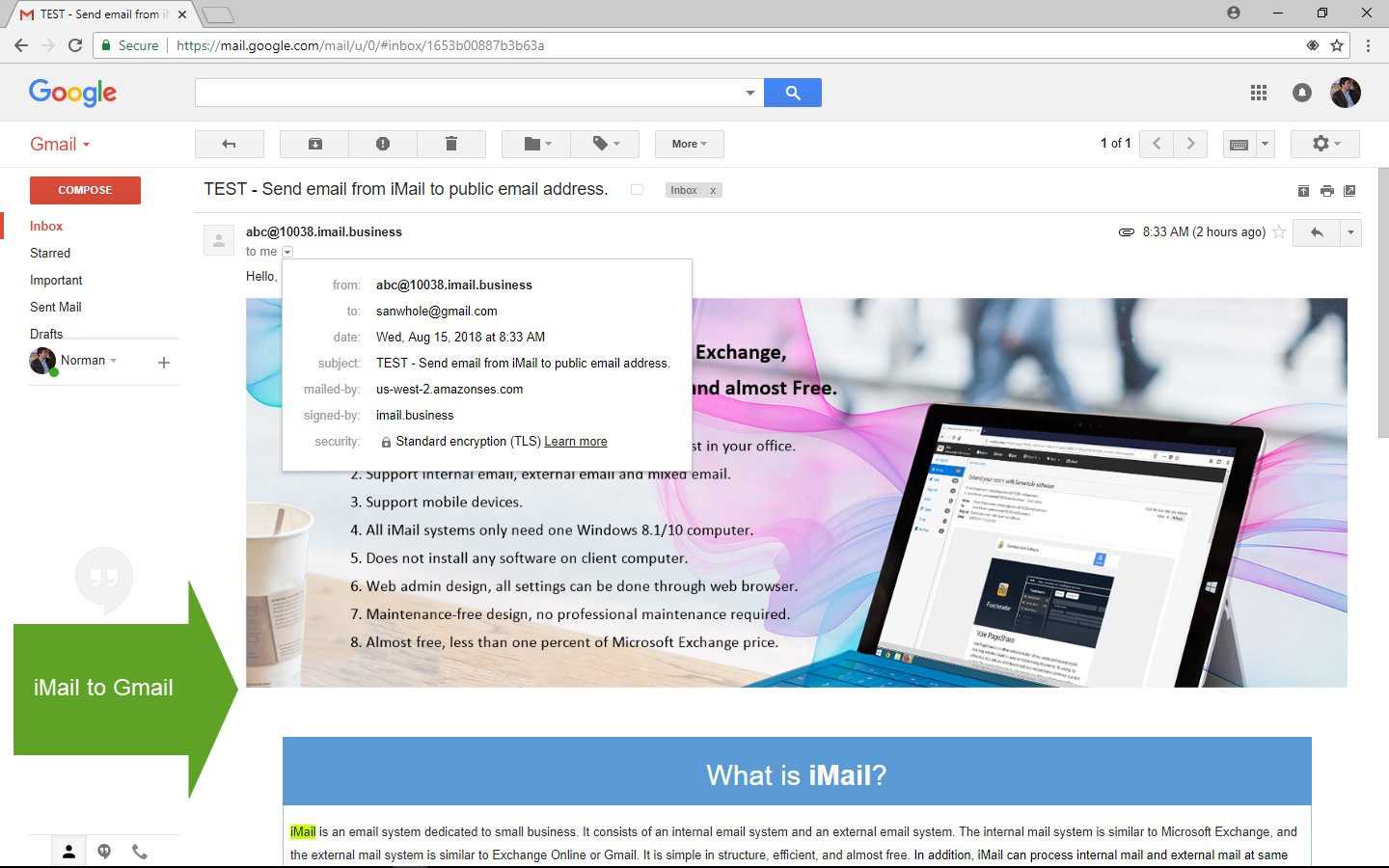
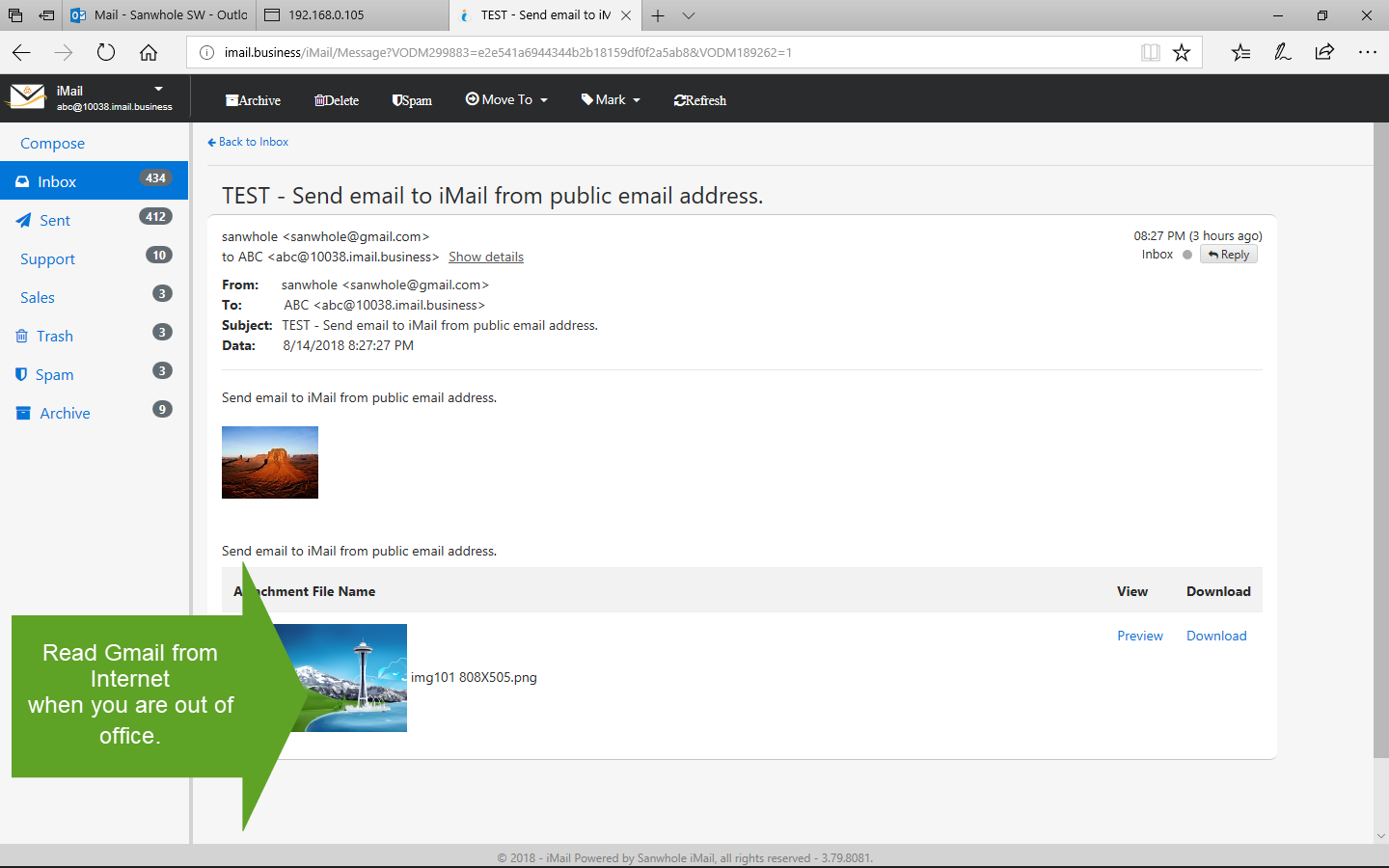
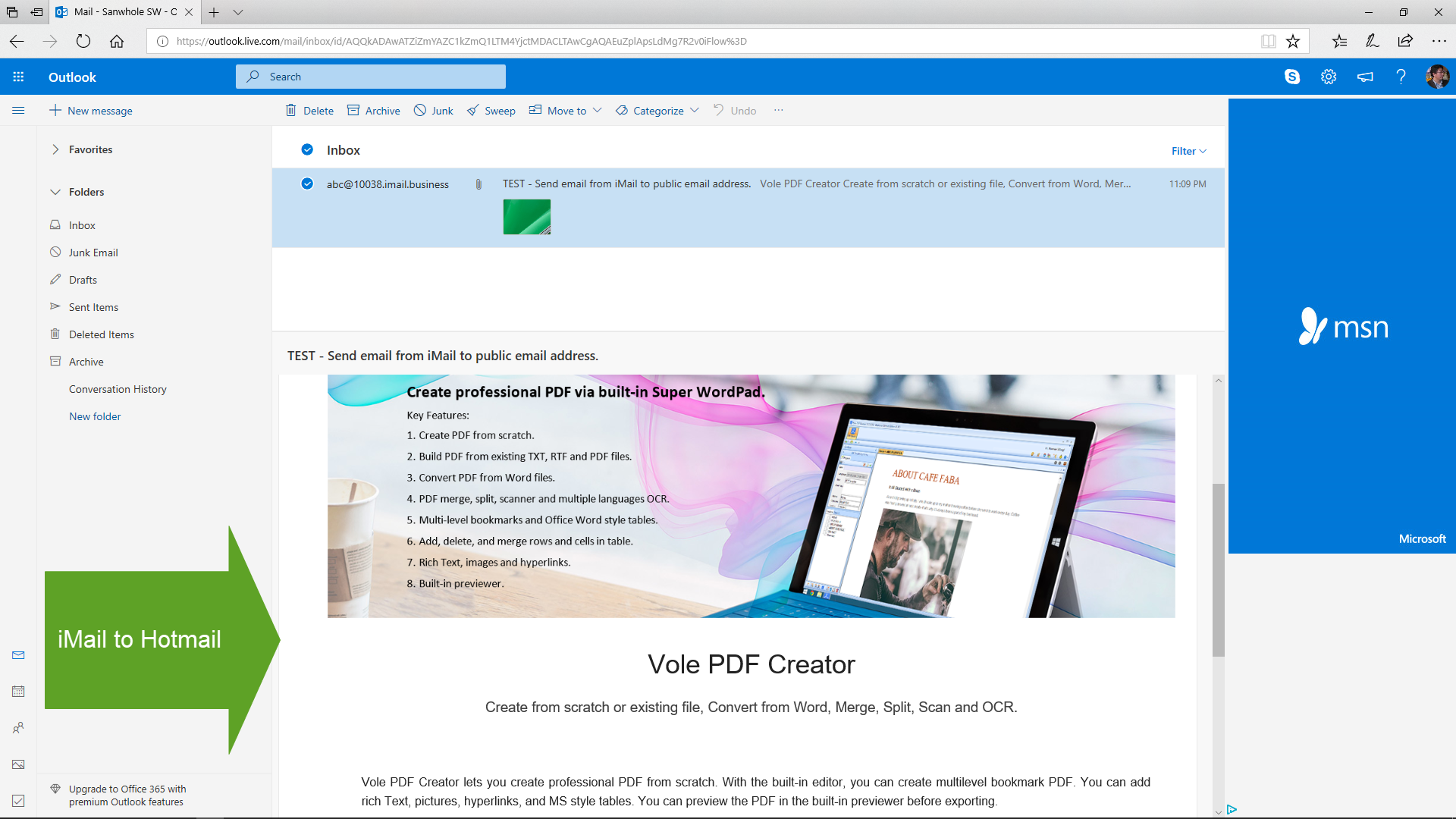
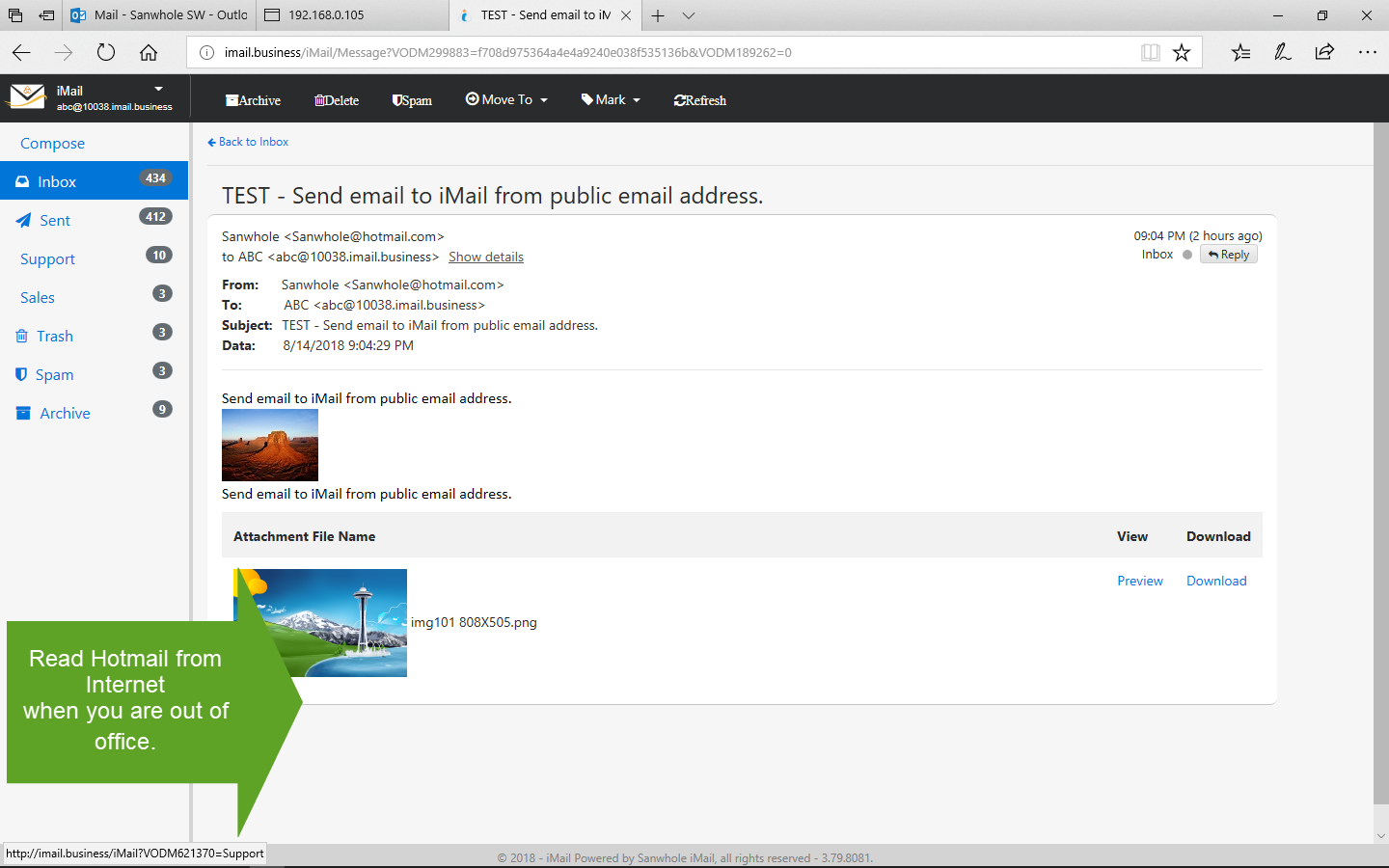
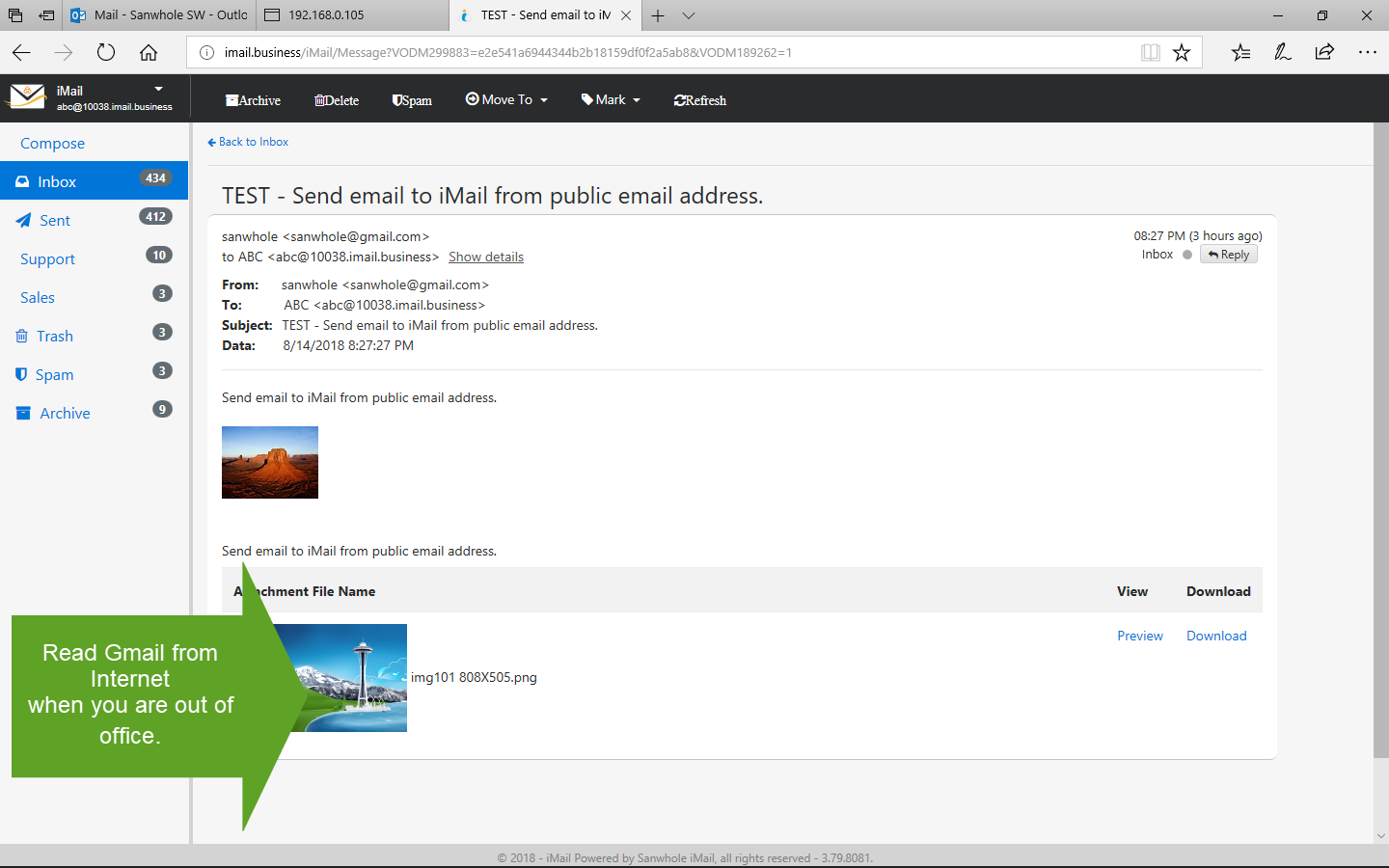
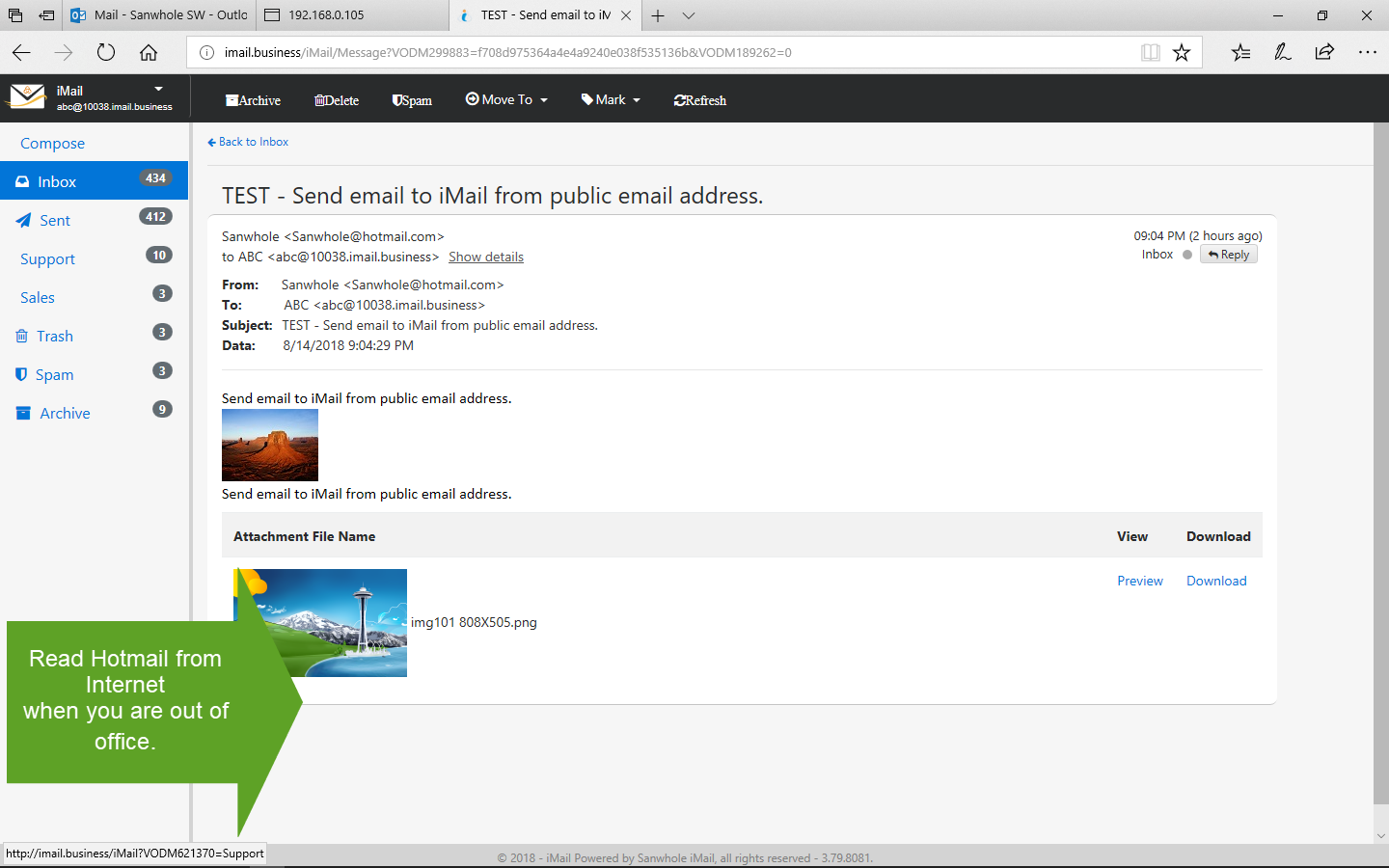
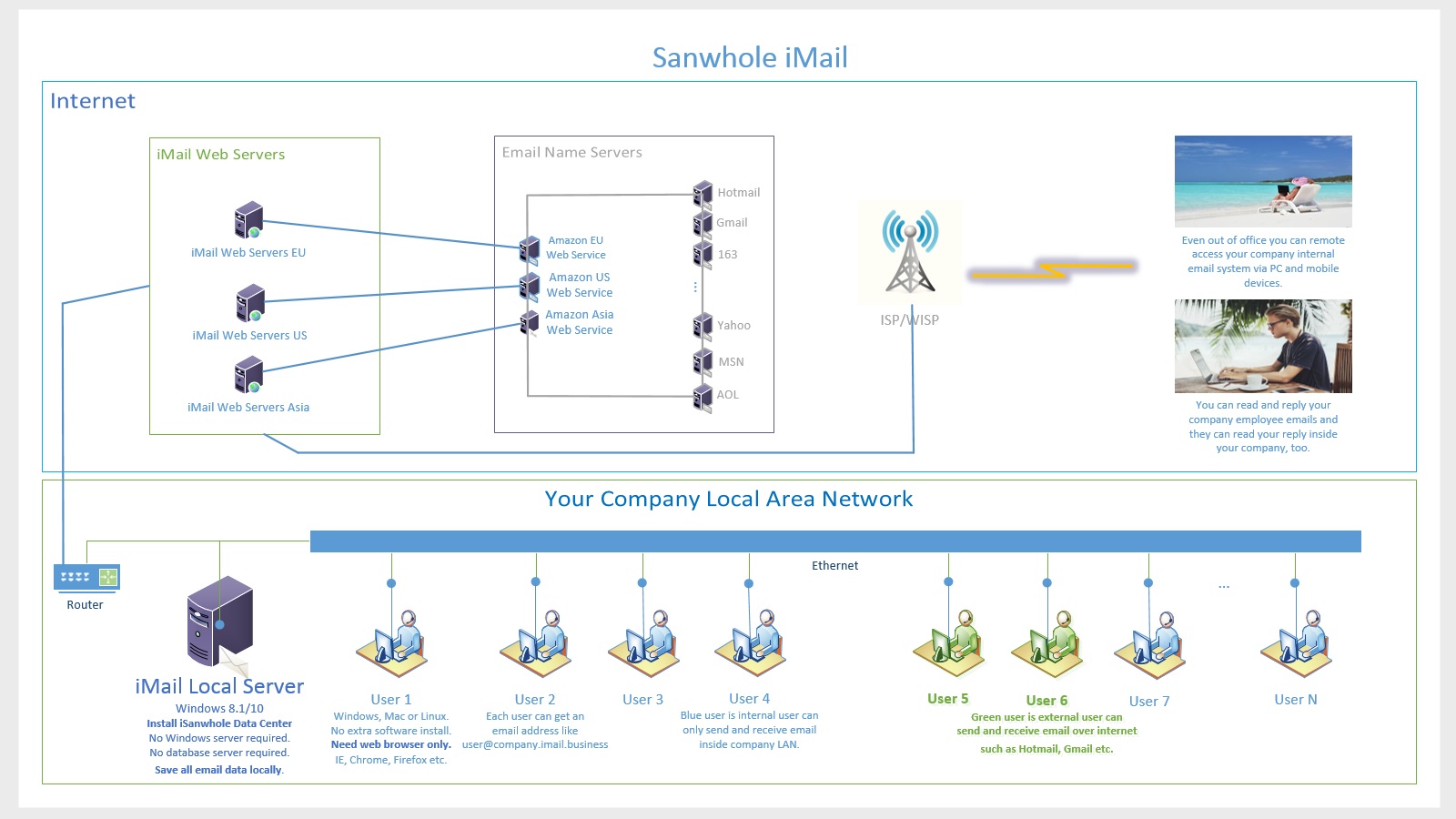
iMail is an enterprise-class email server does Microsoft Exchange and Gmail work at same time. It consists of an internal email system and an external email system. The internal mail system is similar to Microsoft Exchange, and the external mail system is similar to Exchange Online or Gmail. It is simple in structure, efficient, and almost free. In addition, iMail can process internal mail and external mail at same time at one place so that whether inside or outside the company, users can send and receive both internal and external mail via computer and mobile devices.
Unlike Exchange Online, Gmail and other web email services – the email data must be store on their cloud, iMail server is self-hosted server. iMail stores all email data at your owned area, usually just in your office. We believe save company internal email data at public area or the area that you don’t own is not acceptable for many reasons, the mainly are security and speed. Public (external) email system and company internal email system should be separated. For example, you should not allow your employees send company data to public email addresses such as abc@hotmail.com or xyz@gmail.com etc. via company internal email system.
iMail system is most economical because iMail is almost free, the price is less than one percent of Microsoft Exchange. “Wondering how an 800-employee company spends a million dollars a year running its email servers?” see Phil Wainewright‘s report here http://www.zdnet.com/article/how-much-does-exchange-really-cost/, it is $1250/user/year.
iMail system setup is easy. You don’t have to install and setup all kinds of Windows servers. iMail systems only need one Windows 8.1/10 computer. And unlike Microsoft Exchange install Outlook on each client computer, iMail is complete web-based access, a web browser will do on client side. So. iMail doesn’t need install any software on client computer, a web browser is enough. iMail has been test on IE, Chrome or Firefox.
Setup iMail is very simple. Compare with the Microsoft Exchange setup, you need hundreds of hours to learn and prepare, setup iMail system is very easy. One-key install Sanwhole Exchange on a Windows 8.1/10 computer, your local iMail Server is okay. Nothing installation required on your users’ computers. So, watch several tutorial videos you will master iMail System.
iMail Feature
An Enterprise-Class Email Server Does Microsoft Exchange and Gmail Work at Same Time.
Do company internal emails and public domain emails at same time. Even if you are on vacation, you can send and receive company internal emails and public domain emails. Easily isolate and merge company internal emails and external emails. No Windows server design, only Windows 8.1/10 required on server side. Web-based client access, a web browser will do on client side. Self-hosted server, support local network self-host and web-self-host.
We use iMail as our after-sales support.
iMail Plan1 and Plan2
Full Control Your Email Data. Only You Own Your Data. Enterprise Internal Email System.
iMail
Enterprise-class internal email system include self-host server and fully web access clients.
iMail provides Microsoft Exchange enterprise internal e-mail function. Even better, iMail server doesn’t need Windows server, windows 10 is enough. iMail client doesn’t need outlook, a browser is enough.
Fully web access client and mobile friendly. There is no need to install any software on the client
Self-hosted Server
iMail has Self-hosted server, no Windows Server is required. iMail server can be installed on latest Windows operating system, typically Windows 10. You can fully control your email data.
Screenshots
Sanwhole Exchange iMail Server Guide
(Plan1-LAN 2022-04-18)
Server Install and Setup (Plan1-LAN 2018)
iMail Internal Users (Plan1-LAN)
2018-11-06
iMail Safety
Full Control Your Email Data. Only You Own Your Data.
iMail saves all email data at your owned area, usually just in your office. iMail separates Public (external) email system and company internal email system. By default, your employees cannot send company data to public email addresses such as abc@hotmail.com or xyz@gmail.com etc. via company internal email system.
Self-hosted server - You have your own email server.
iMail supports self-hosted server, support local network self-host and web-self-host. Deploy iMail server to local area network: all your clients can access the iMail server via your local area network. All the email data stored locally, that is safe and fast. Deploy iMail server to your website or virtual private server: all your clients can access the iMail server via internet. All the email data stored at the area you owned, that is safe and convenient.
iMail System
An enterprise-class email server does Microsoft exchange and Gmail work at same time.
企业级电子邮件服务器同时完成Microsoft Exchange和Gmail工作。
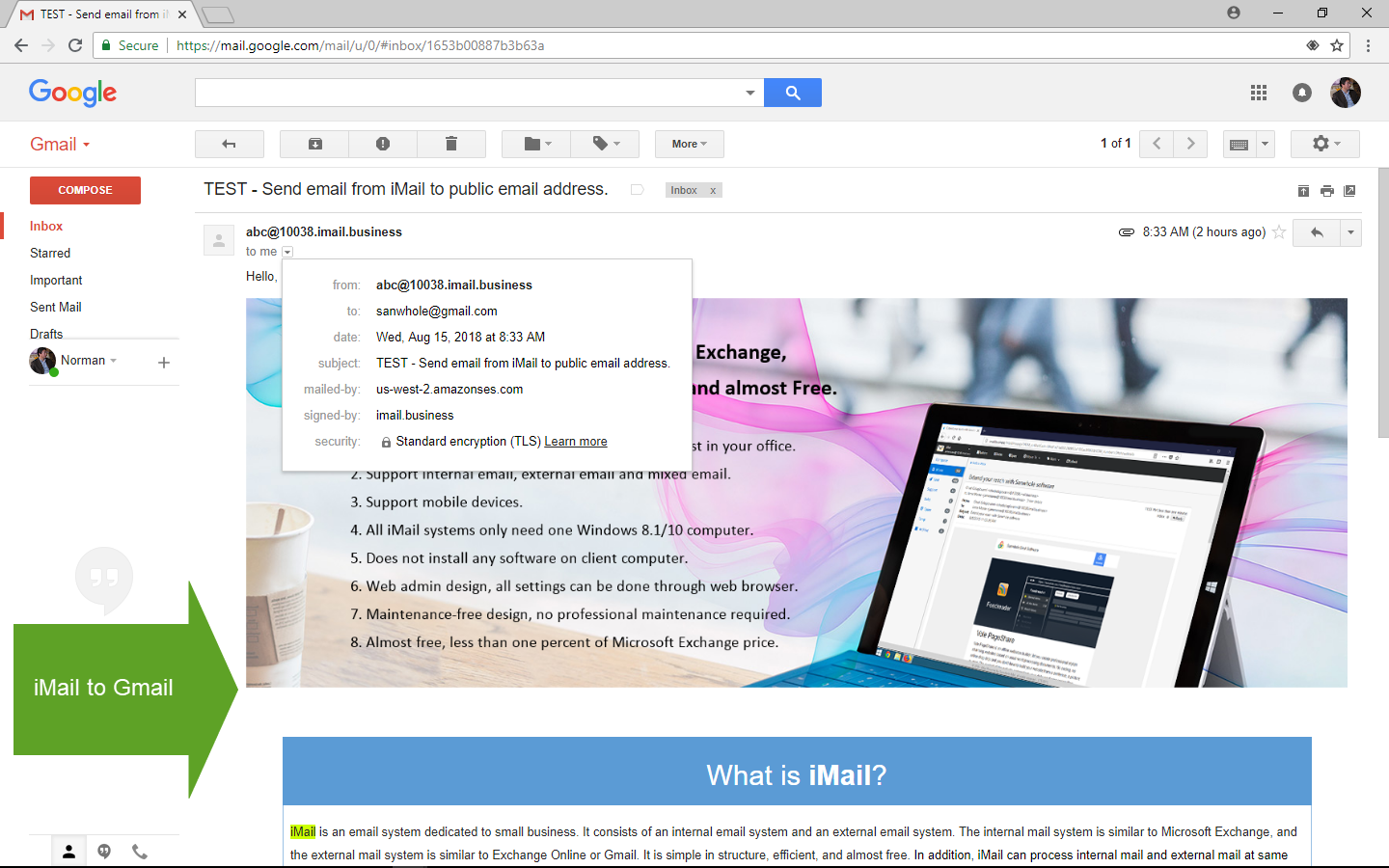
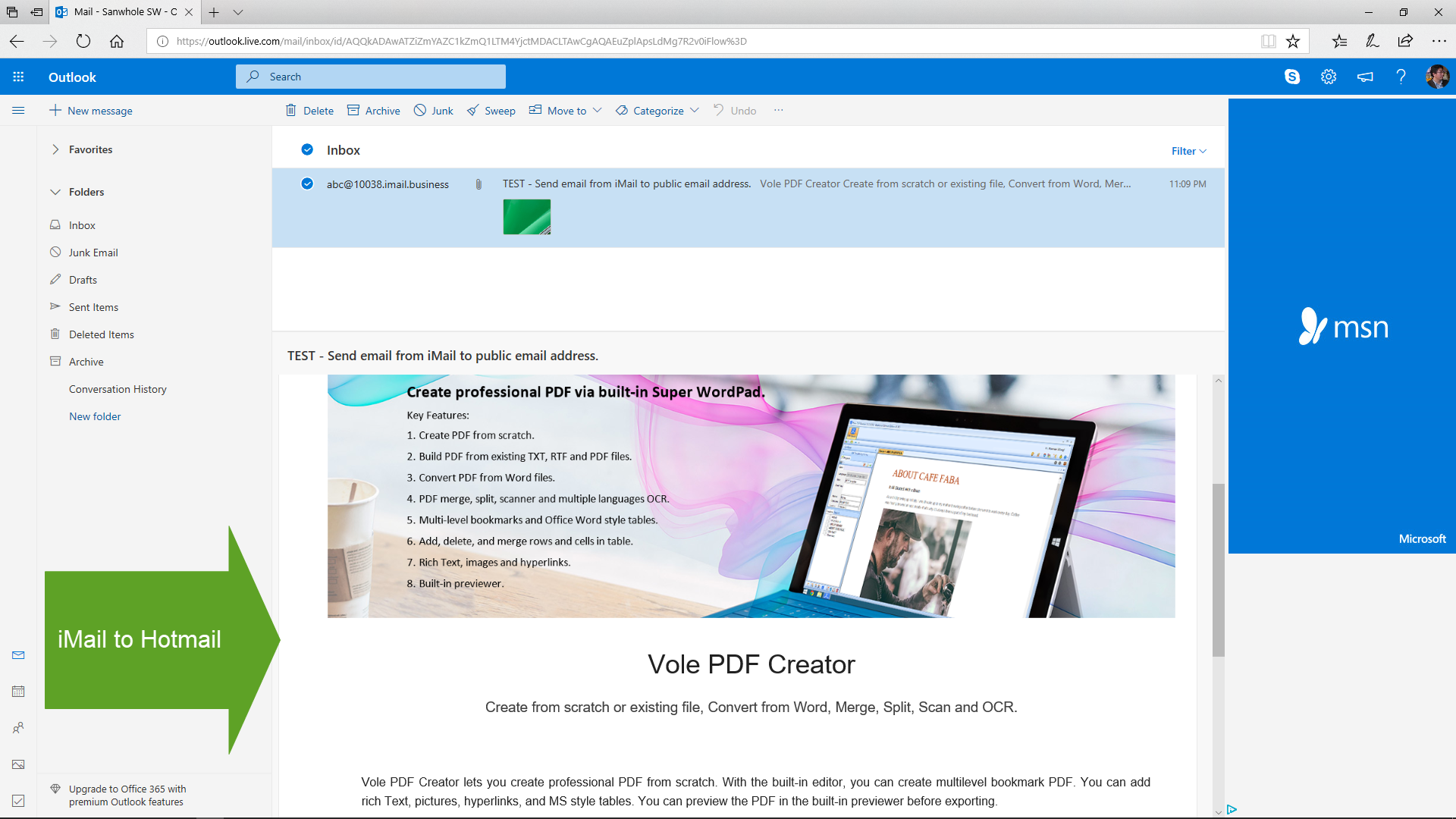
Sanwhole Exchange iMail Basic is the same as Microsoft Exchange and is only used for sending and receiving internal emails within schools or businesses. The Sanwhole Exchange iMail Extend has increased the ability to send and receive public domain emails, allowing for the sending and receiving of external emails such as Gmail, Hotmail, etc.

 Sanwhole