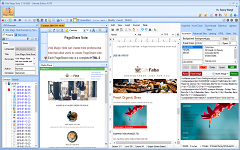
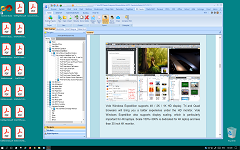
A light Microsoft Excel editor and replicate Microsoft Office user experience.
Vole Excel is a light Microsoft Excel editor lets you create full-featured Microsoft Excel XLSX document and replicate Microsoft Office user experience. Read/Write XLSx, XLS, CSV, and TXT Files. Print and export to PDF. Supports rich-text, hyper-link, image, fonts, paragraph styles, more than 100 professional tables, chart and formular.
Field data collection and synchronization : No installation is required and it supports direct operation from a USB flash drive. It is suitable for market researchers to enter customer information and sales data on site and generate statistical reports instantly.
Ad hoc report generation : Quickly export standardized forms such as business daily reports and inventory lists through preset templates, suitable for emergency meetings or ad hoc reporting scenarios.
2. Complex Data Association and Analysis
Multi- table associated query : Use the VLOOKUP function to achieve precise matching across tables, such as quickly extracting salary data for a specific department from an employee information table.
Fuzzy matching and error-tolerance processing : Use the VVLOOKUP function to handle spelling errors or incomplete data, such as automatically correcting common input deviations when matching customer names.
Dynamic Data Analysis : Combined with the XLOOKUP bidirectional search function, build a dynamic dashboard to track sales trends or inventory changes in real time.
3. In-depth application in professional fields
Financial reconciliation and budget management : Use multi-condition VLOOKUP to check bank statements and internal accounts, quickly locate discrepancies and generate audit trail records.
Production progress monitoring : Integrate production schedules with real-time capacity data, use the HLOOKUP function to compare the efficiency of each production line horizontally, and optimize resource allocation.
Scientific research data processing : When processing experimental data in batches, the LOOKUP function can be used to quickly associate sample numbers with test results to reduce manual verification errors.
4. Education and Collaboration Scenarios
Teaching Case Demonstration : Visually demonstrate the multi-condition search process of the VLOOKUP function in classroom teaching to help students understand data association logic.
Team Collaborative Revision : Supports multiple people editing tables and marking revision records, suitable for project teams to collaborate in developing budgets or activity plans.
Core Function Adaptation Table
Scenario Requirements
Vole Excel Solution
Technical support
Quick Start and Data Entry
USB Plug and Play/Template Library
Lightweight architecture design
High-precision data matching
VLOOKUP/VVLOOKUP Function Combination
Fuzzy matching algorithm optimization
Dynamic business monitoring
XLOOKUP two-way query + chart linkage
Real-time data processing engine
Complex scene fault tolerance
Error value automatic capture and correction (IFNA)
Enhanced fault tolerance mechanism
Through modular functional design and low resource usage, Vole Excel demonstrates high efficiency and flexibility in mobile office, cross-table correlation analysis and in-depth application in professional fields.
Vole Excel displays Excel workbooks containing formulas, data sources, pivot tables, charts, and other advanced Excel capabilities with a great deal of precision. It supports the same file formats as nearly every version of Microsoft Excel:
XLS, XLSX, XLSM, XLSB, BIFF5
XLT, XLTX, XLTM
CSV
TXT
Vole Office Excel can open and edit xlsx files output from Microsoft Office Excel. On the contrary, the xlsx files output by Vole Office Excel can also be opened and edited in Microsoft Office Excel.
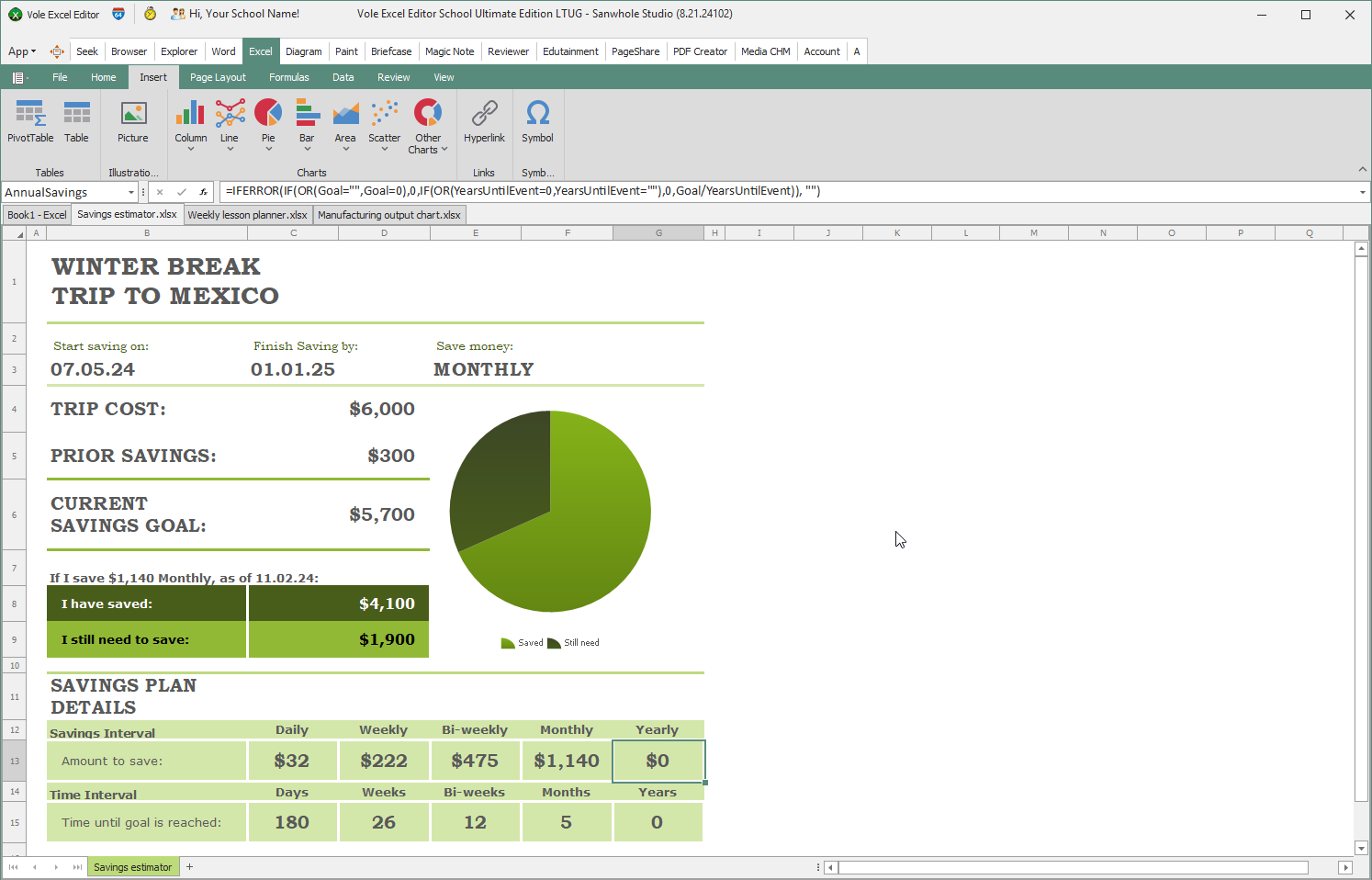
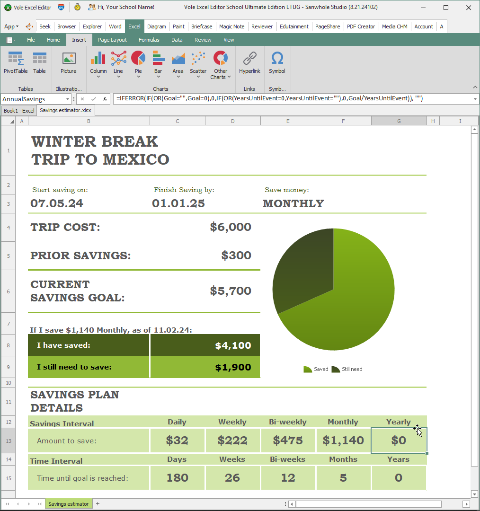
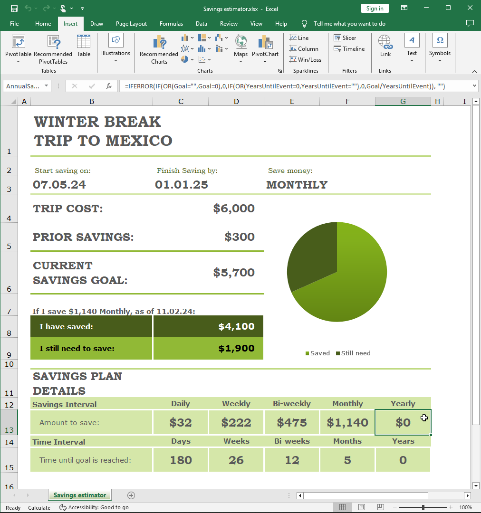
For example, Vole Excel can perfectly read and edit examples on Microsoft's official website.
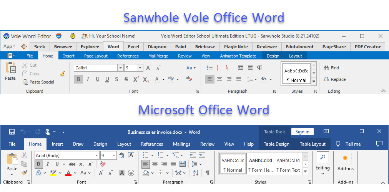
The same editing experience as Microsoft Word & Excel
与Microsoft Excel相同的编辑体验
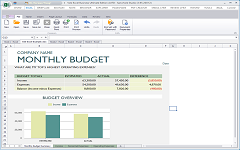
Vole Office Excel is a light Microsoft Excel editor lets you create full-featured Microsoft Excel XLSX document and replicate Microsoft Office user experience.
Vole Office Excel is easy to use, and fully compatible with Microsoft Office Excel. Vole Excel supports chart, formular, rich-text, hyper-link, image, fonts, paragraph styles and more than 100 professional tables.
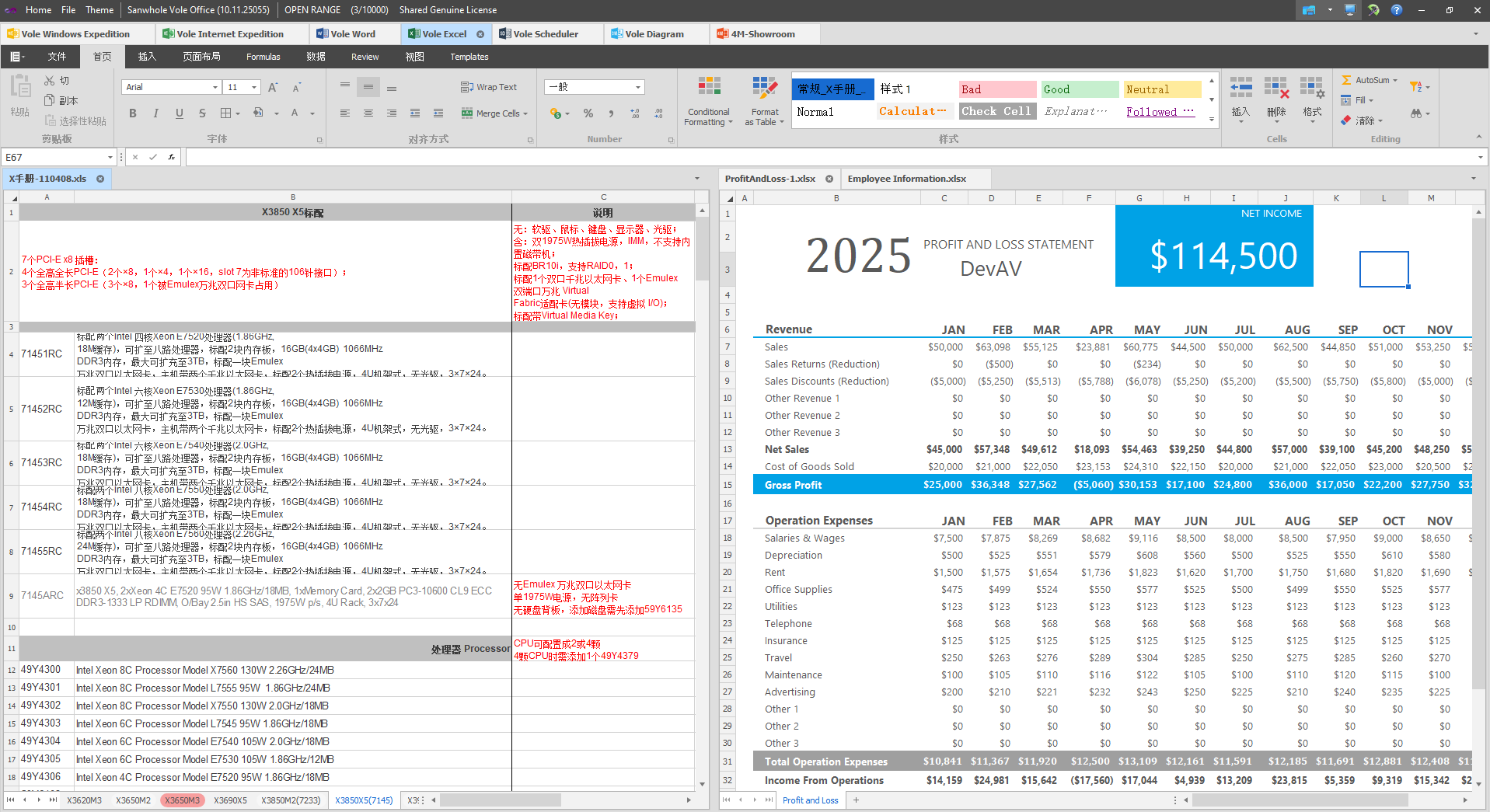
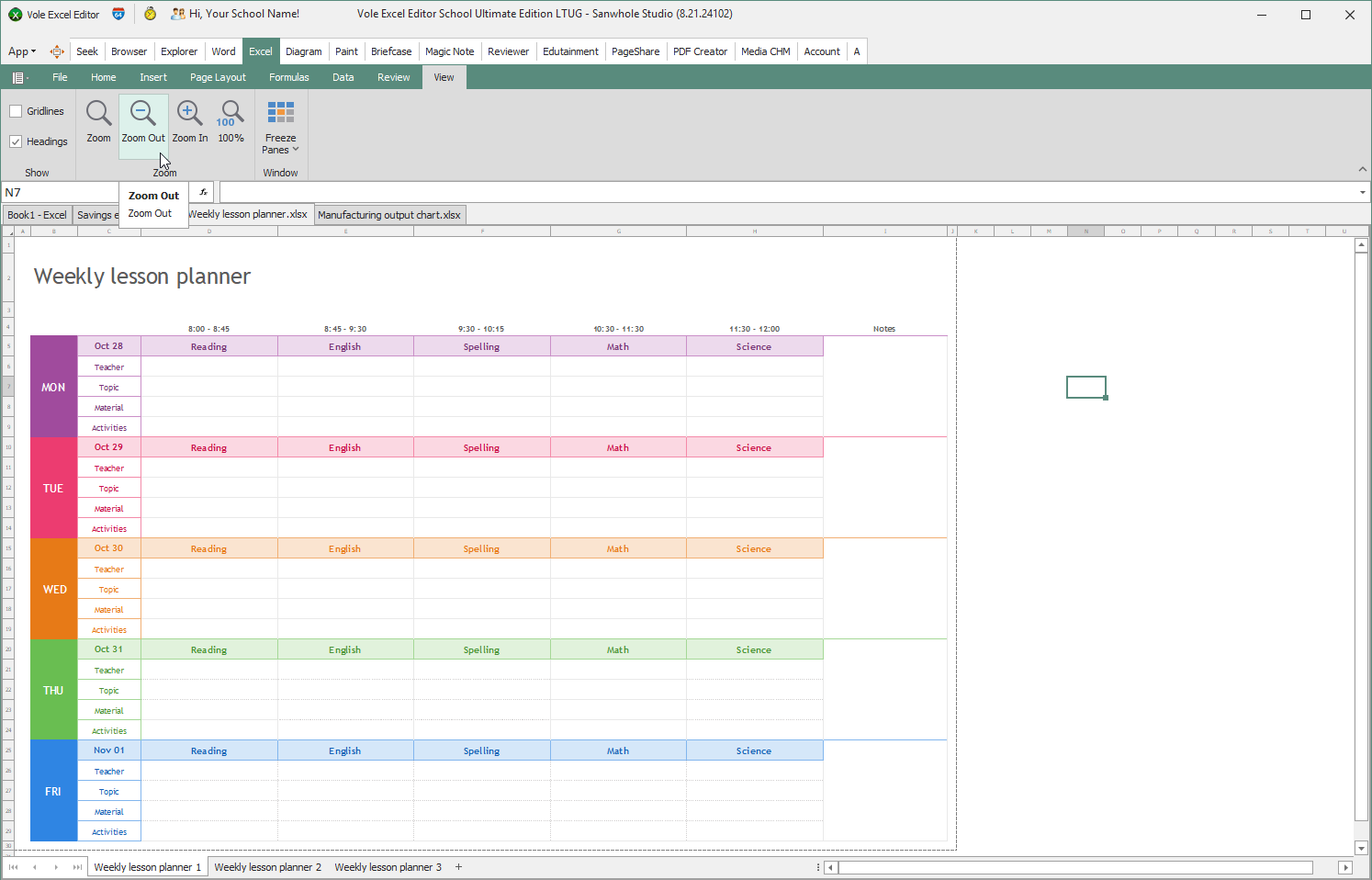
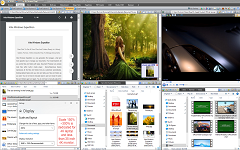
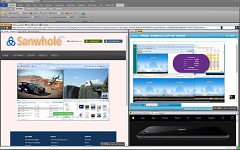
Unlike Microsoft Excel, Vole Excel supports opening multiple excels in the same interface, greatly improving the efficiency of writing and comparing excels.
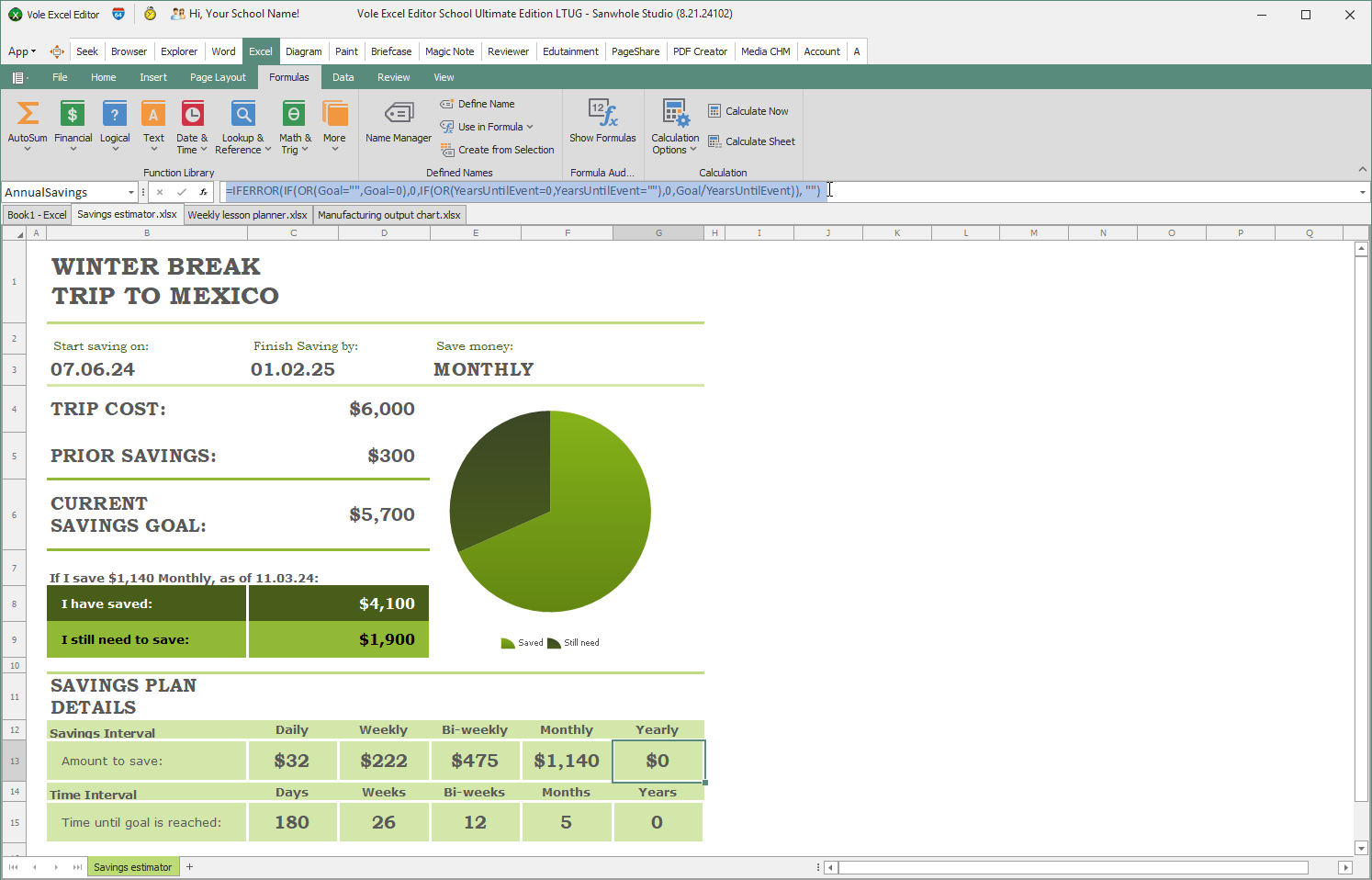
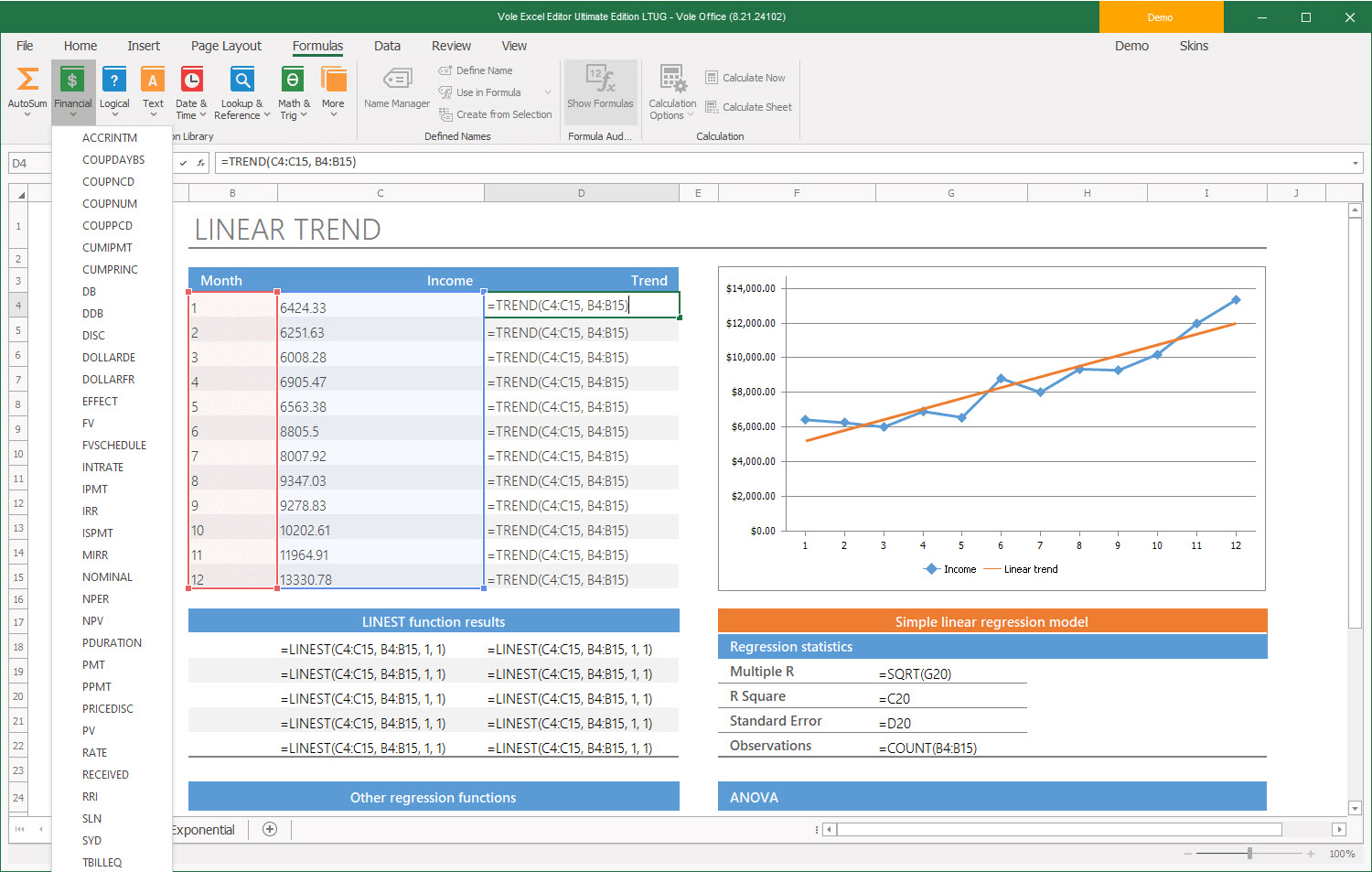
Vole Excel has a powerful function library, include: AutoSum, Financial, Logical, Text, Date & Time, Lookup & Reference, Math & Trig and so on. The formula written in Vole Excel can be read and edited on Microsoft Excel. The formula written in Microsoft Excel can be read and edited in Vole Excel.
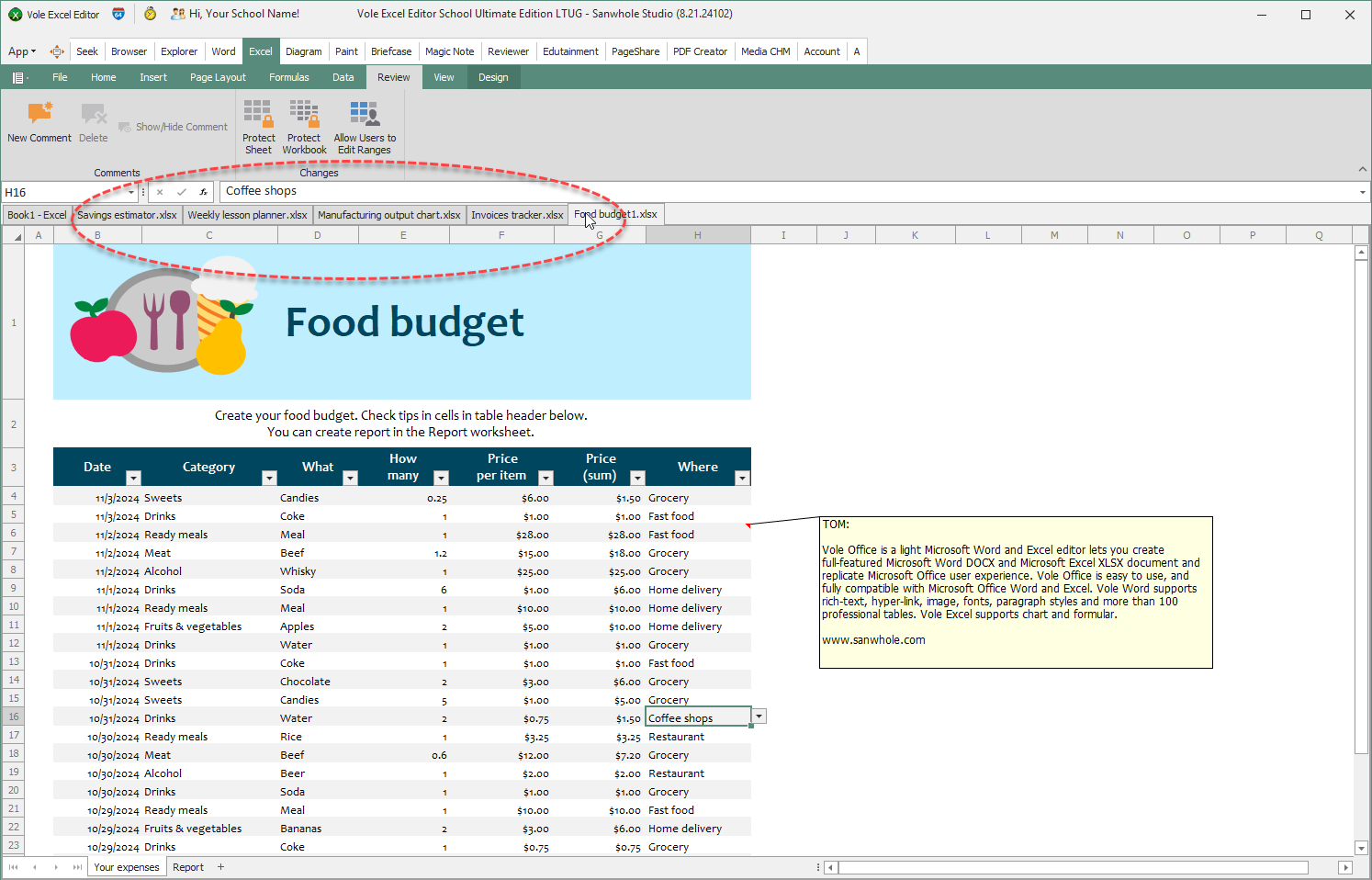
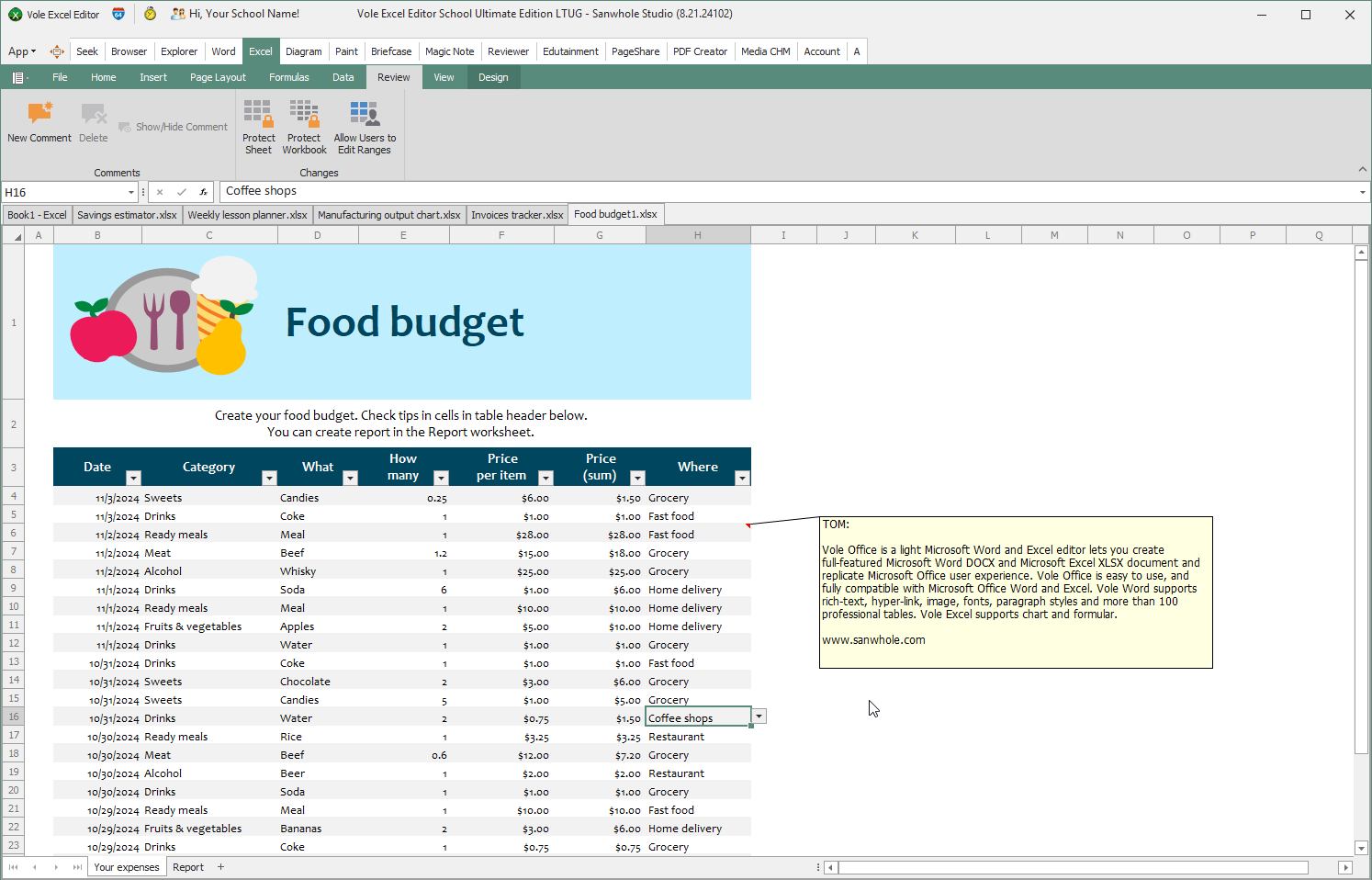
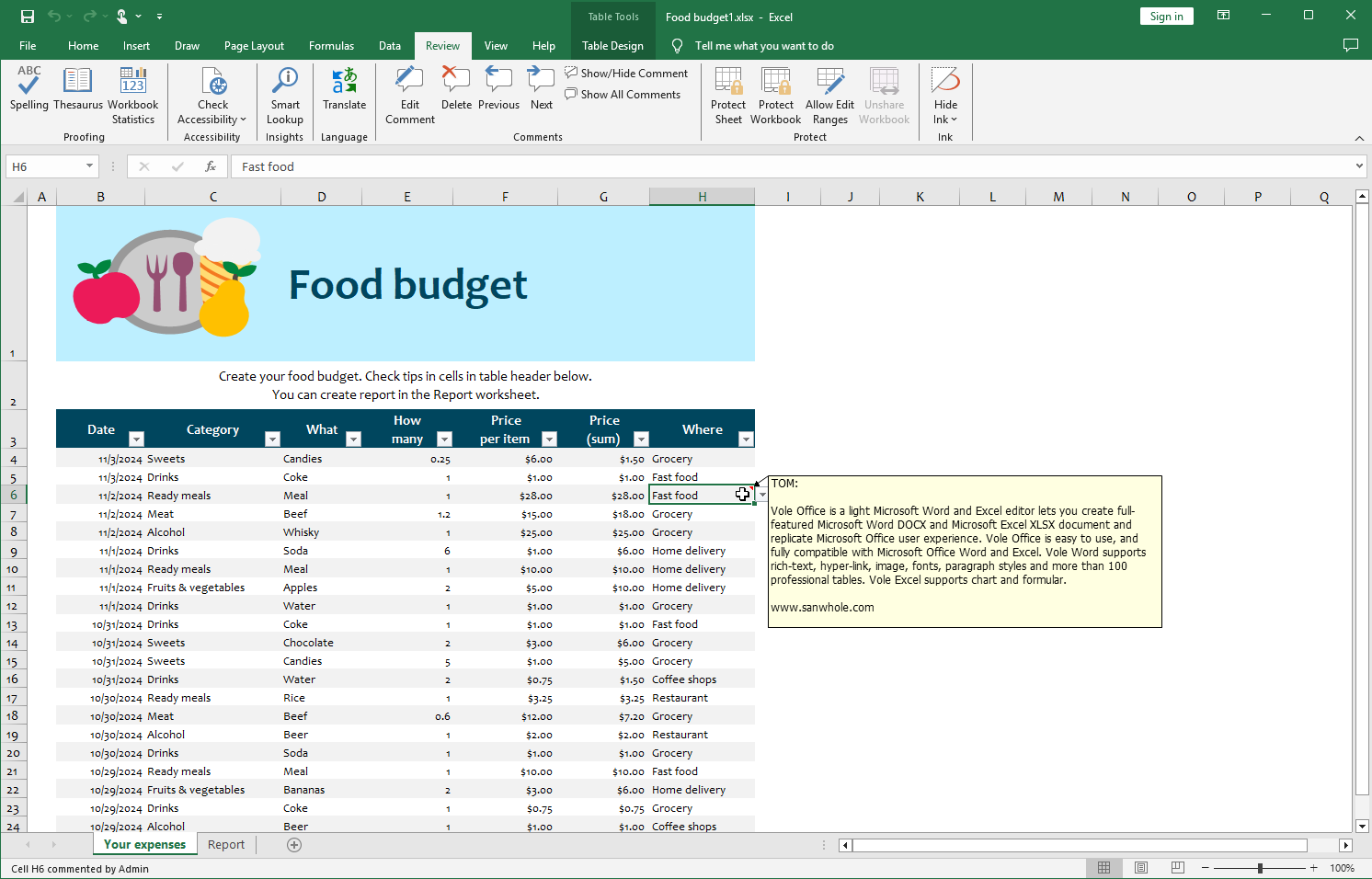
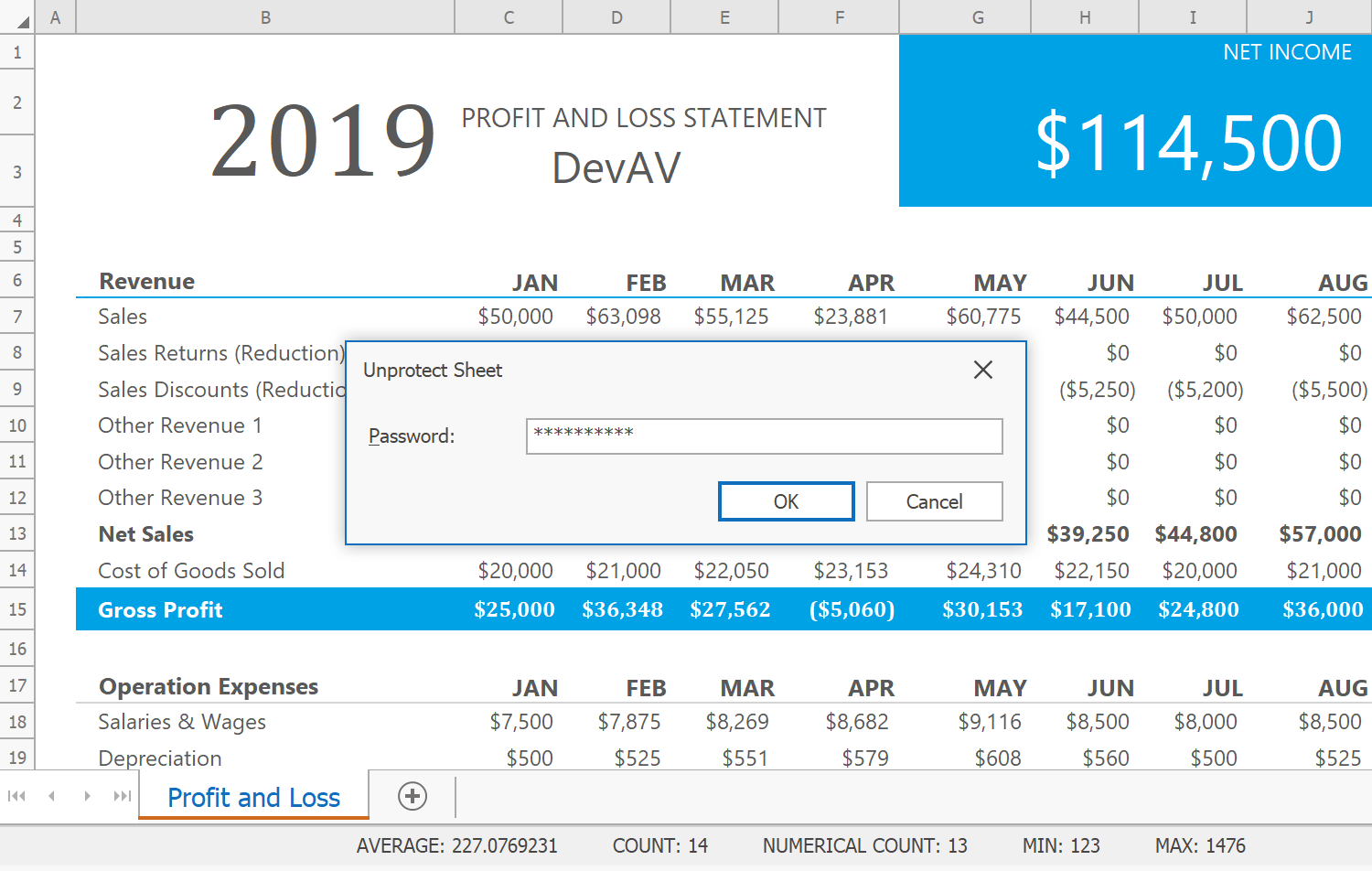
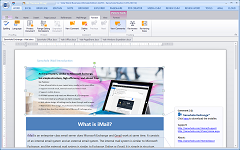
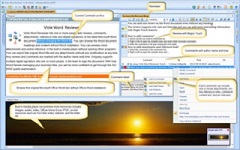
Vole Excel supports protect sheet and comment. Similarly, the comments in Vole Excel and Microsoft Excel are compatible with each other. Comments created by Vole Excel can be read and modified by Microsoft Excel. Comments created in Microsoft Excel can also be read and modified in Vole Excel.
Save this sheet, then open the Excel file using Microsoft Excel.
保存此工作表,然后使用Microsoft Excel打开Excel文件。
The easiest and fastest way to print your workbooks
Turn the contents of your workbook or specific worksheets into a printed report or file with a simple method call or using the Print Dialog. Use built-in dialogs to customize page margins, document orientation, paper size and many other page settings.
You can also shrink a worksheet to fit on one or multiple pages, insert row and column page breaks, add headers and footers, incorporate page numbers, current date and file name to printed worksheets.
And of course, Vole Excel can also convert workbooks to PDF and HTML.
Excel compatible functions are built-ins
Over 400 built-in functions (mathematical, statistical, financial, logical, etc.) with array formula support allow you to enter formulas and perform calculations of any complexity. You can use basic mathematical functions to aggregate data within a spreadsheet or create complex formulas with statistical, engineering, and financial functions for advanced data analysis.
Spreadsheet API allows you to create your own functions. Custom functions are available for all spreadsheet calculations, and can be used in formulas.
RTD Function
Vole Excel includes RTD (Real-Time Data) function support.
Formula AutoComplete
Eliminate typing and syntax errors when creating and editing formulas with the built-in Formula AutoComplete feature.
Create multiple documents at once
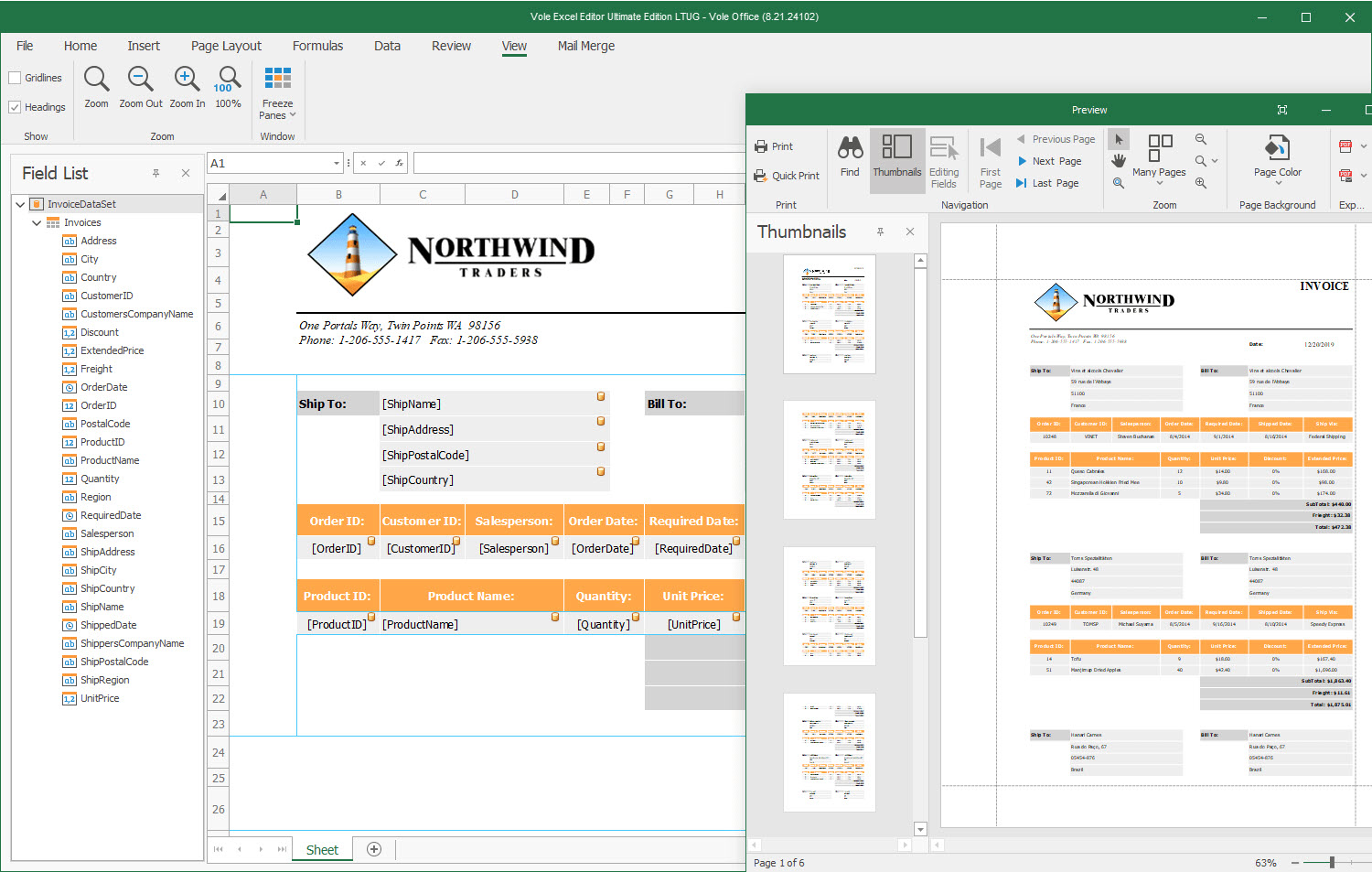
Automatically create multiple documents based on a single template and include unique data from a data source. Integrated mail merge tools include:
Mail Merge Design View
Field List Panel
Parameters Panel
Mail Merge Functions (FIELD, FIELDPICTURE, RANGE, PARAMETER)
Vole Excel Data Source Wizard allows you to connect to various data source types (Microsoft SQL Server, Microsoft Access, Entity Framework, etc.), and save the template with the bound data source to a file (XLS/XLSX format). This template can then be used to quickly create new documents and reports as needed.
You can also create master-detail reports of any complexity without writing code.
Summarize and analyze large amounts of data
Embed an Excel-like pivot table engineered for multi-dimensional data analysis and cross-tab reporting. Pivot Tables are highly flexible and can be quickly adjusted.
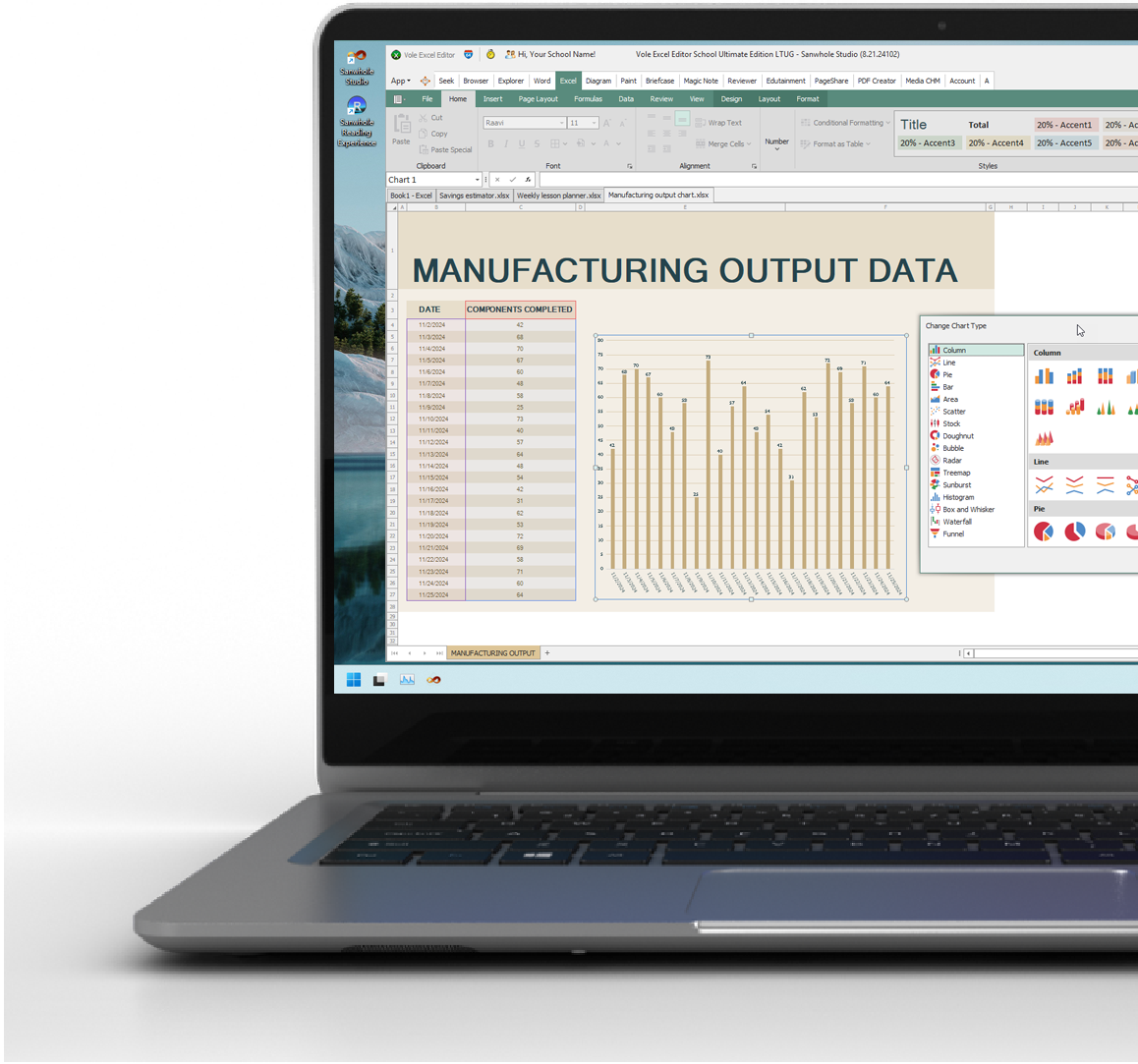
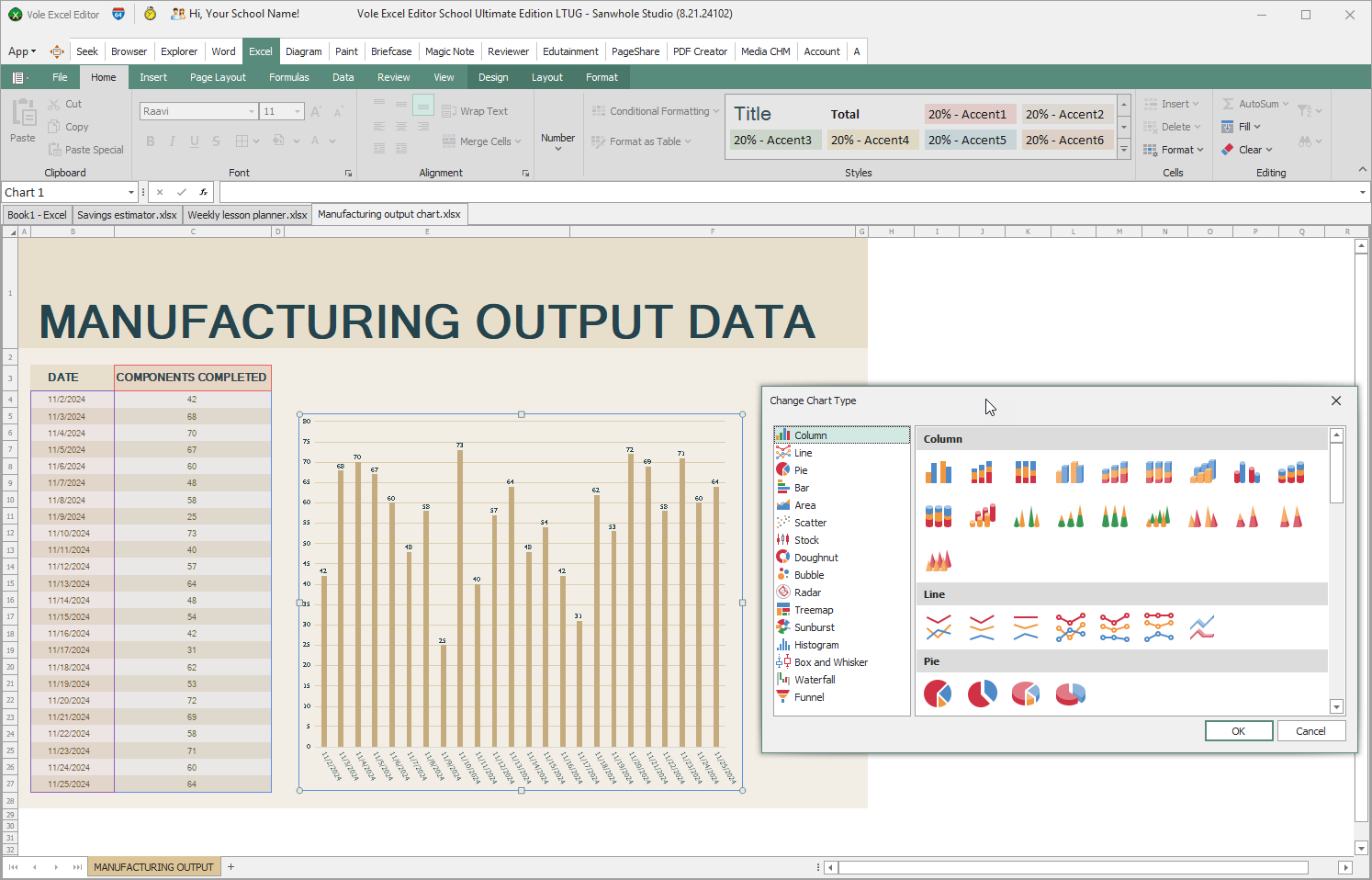
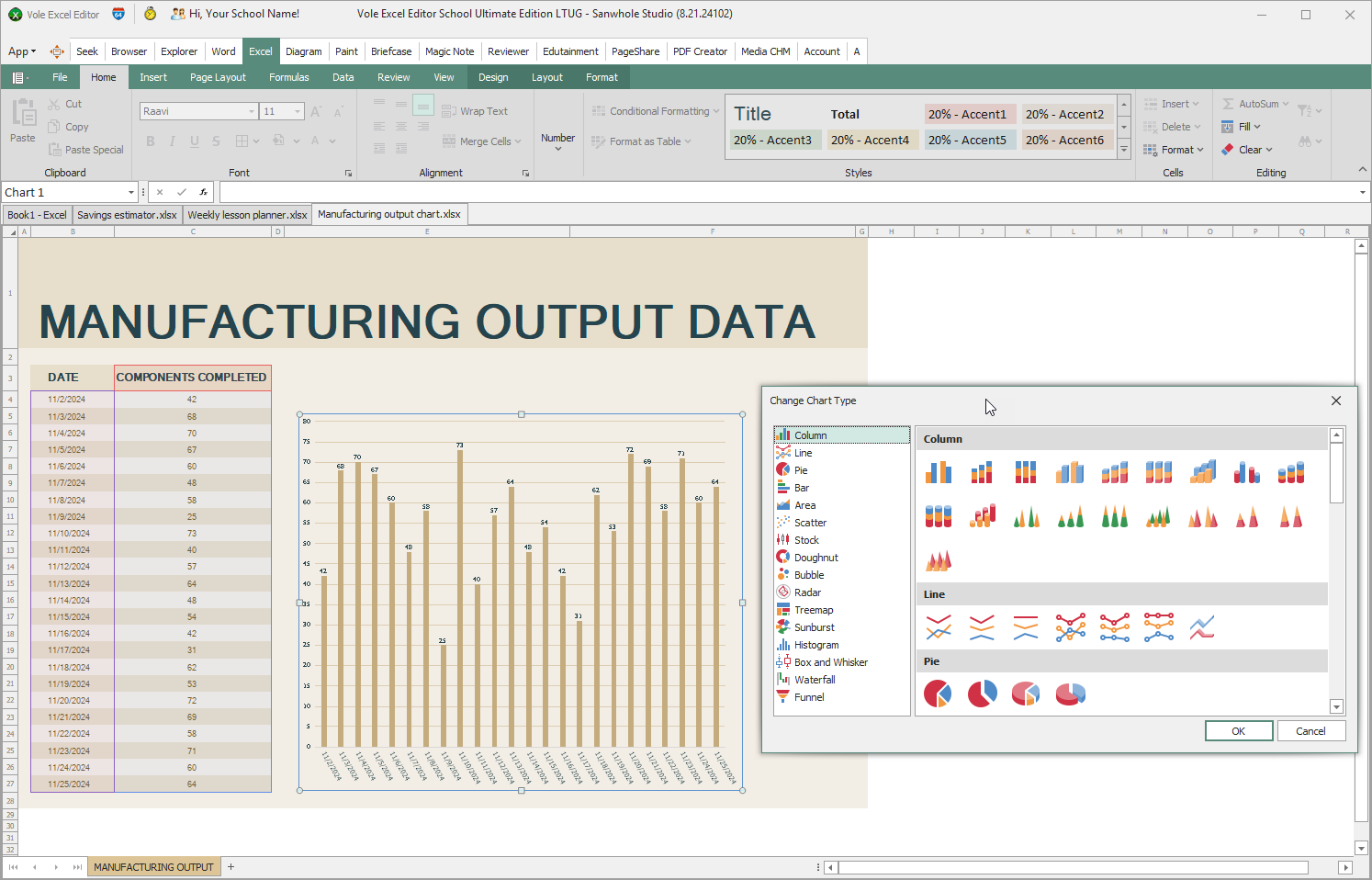
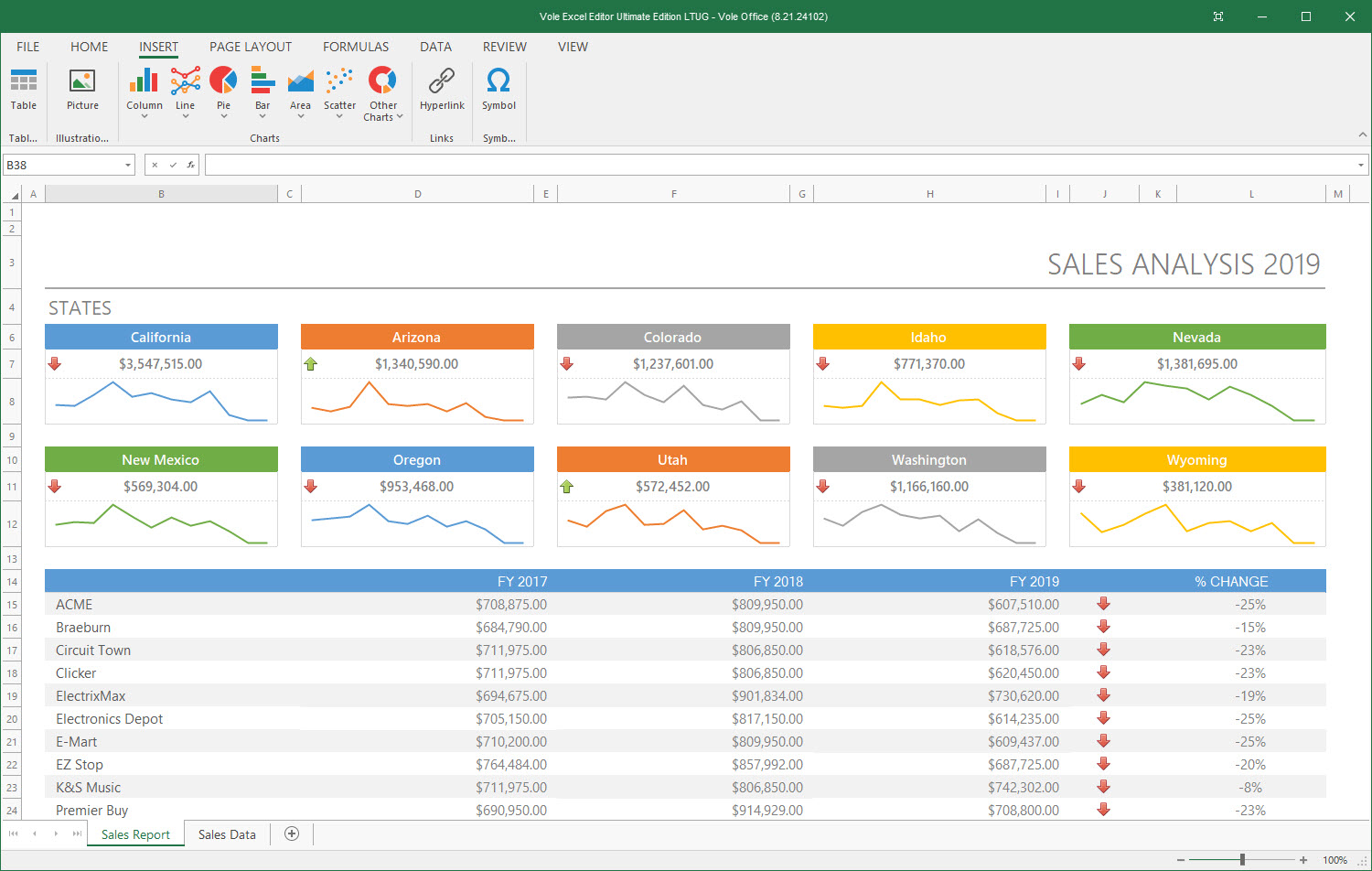
Once you've set up the data layout you need, add a chart to present information graphically. Our Spreadsheet control supports sparklines (Line, Column, Win/Loss) and a wide range of 2D/3D charts:
Column and Bar Charts
Line and Area Charts
Pie and Doughnut Charts
Scatter, Radar and Bubble Charts
Stock Charts
Intuitively present workbook data to your users.
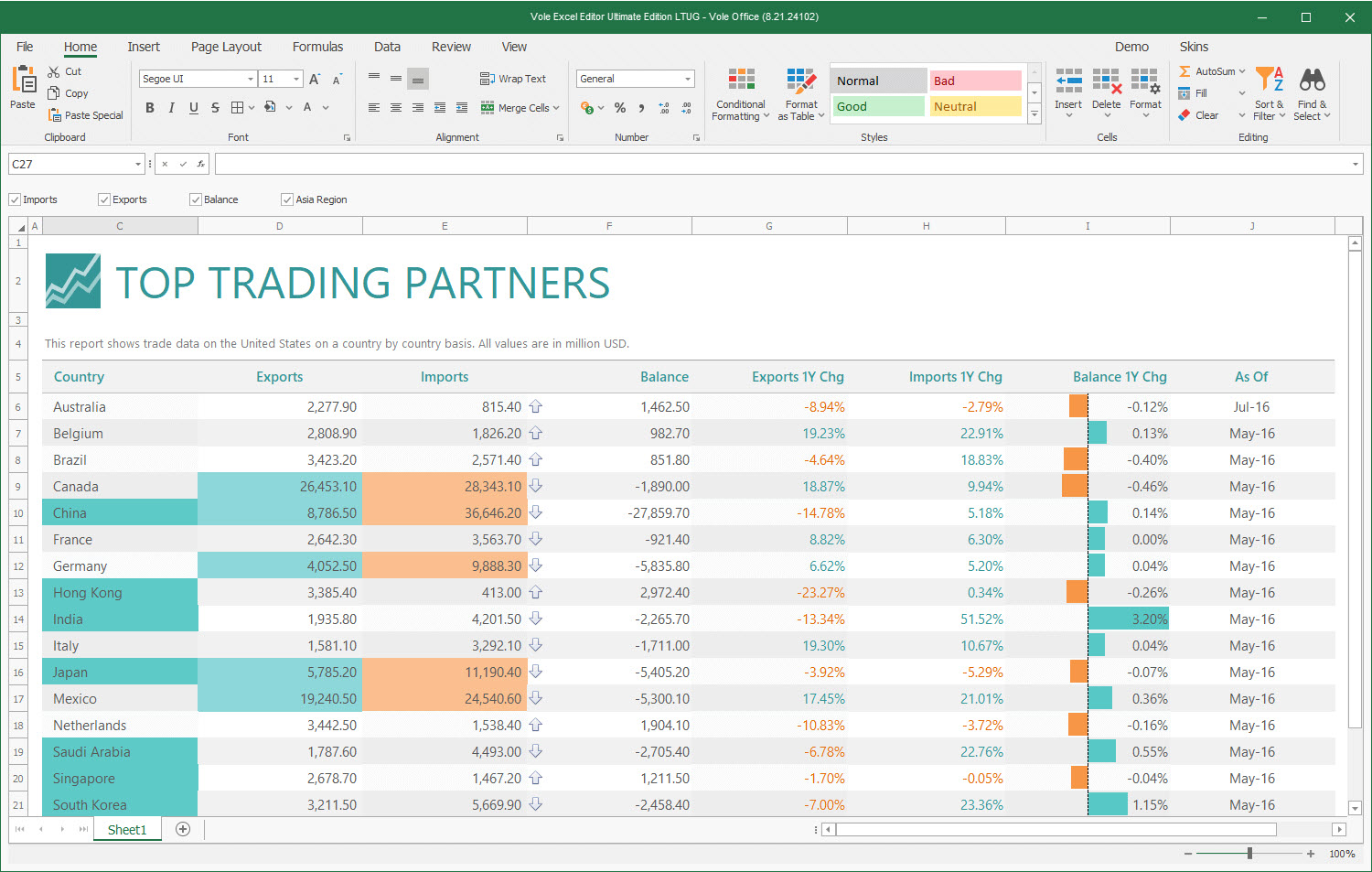
Similar to charts and sparklines, conditional formatting provides another way to visualize data. You can highlight cells based on specified criteria without writing a single line of code. Cells can be highlighted with data bars, icons and predefined color scales.
End-users can easily apply a variety of predefined style conditions and make worksheets easier to understand. Integrated Ribbon UI allows end-users to add, change, or remove conditional formatting styles much like they do in Microsoft Excel.
You can also use cell styles to apply predefined formats, and other manual formatting options to highlight important data. Cell value formatting options include:
Style Flags, Predefined Cell Styles and Formats
Rich Text Formatting
Format as Table
Custom Draw API
Organize and search data easily.
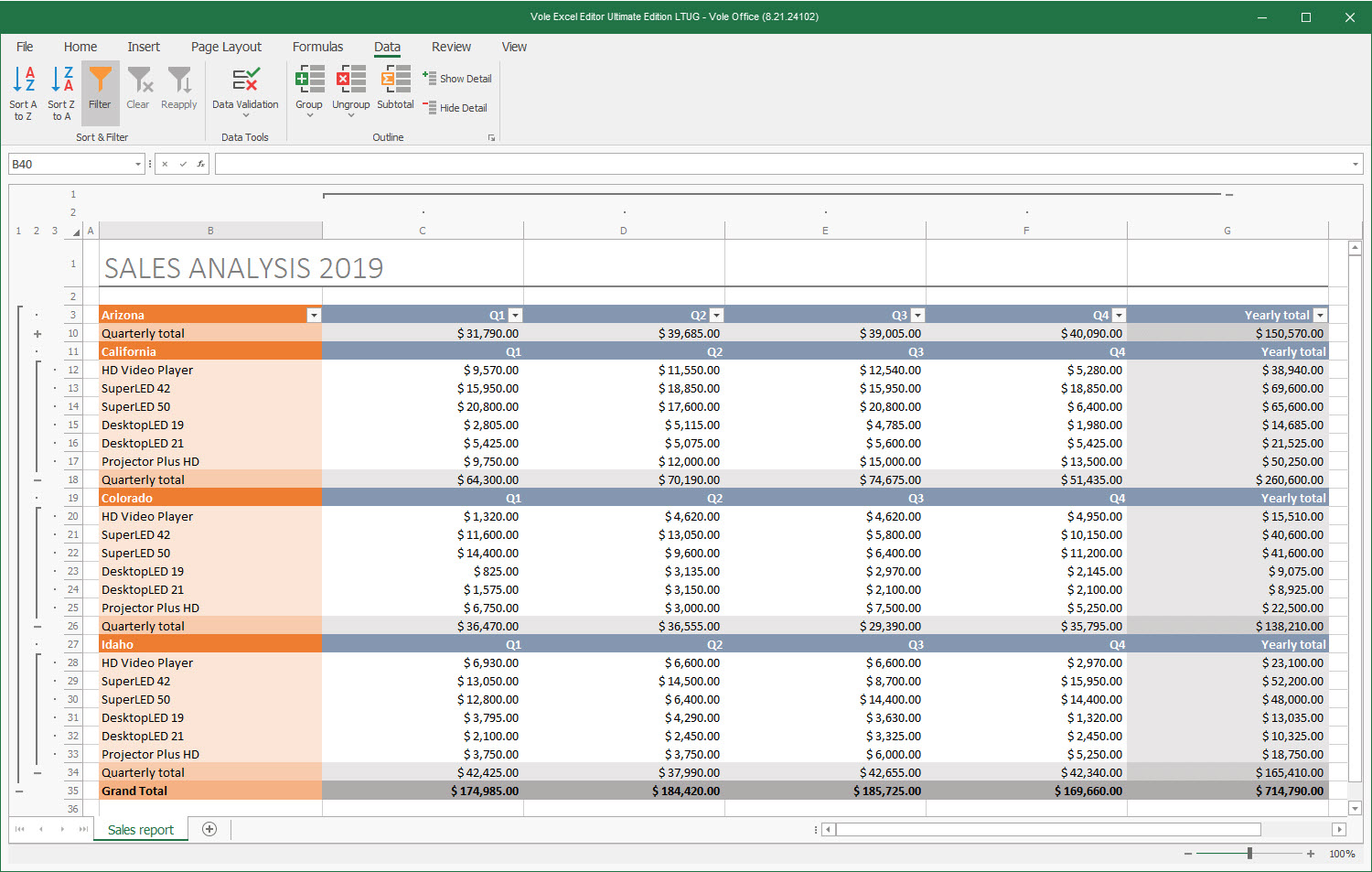
Outlines (Group Data)
Provide your end-users the ability to arrange related columns and rows into collapsible groups, as well as to create a quick summary. Outlines can either be created manually or automatically for an entire worksheet or just for a range of data.
Sort Spreadsheet Data
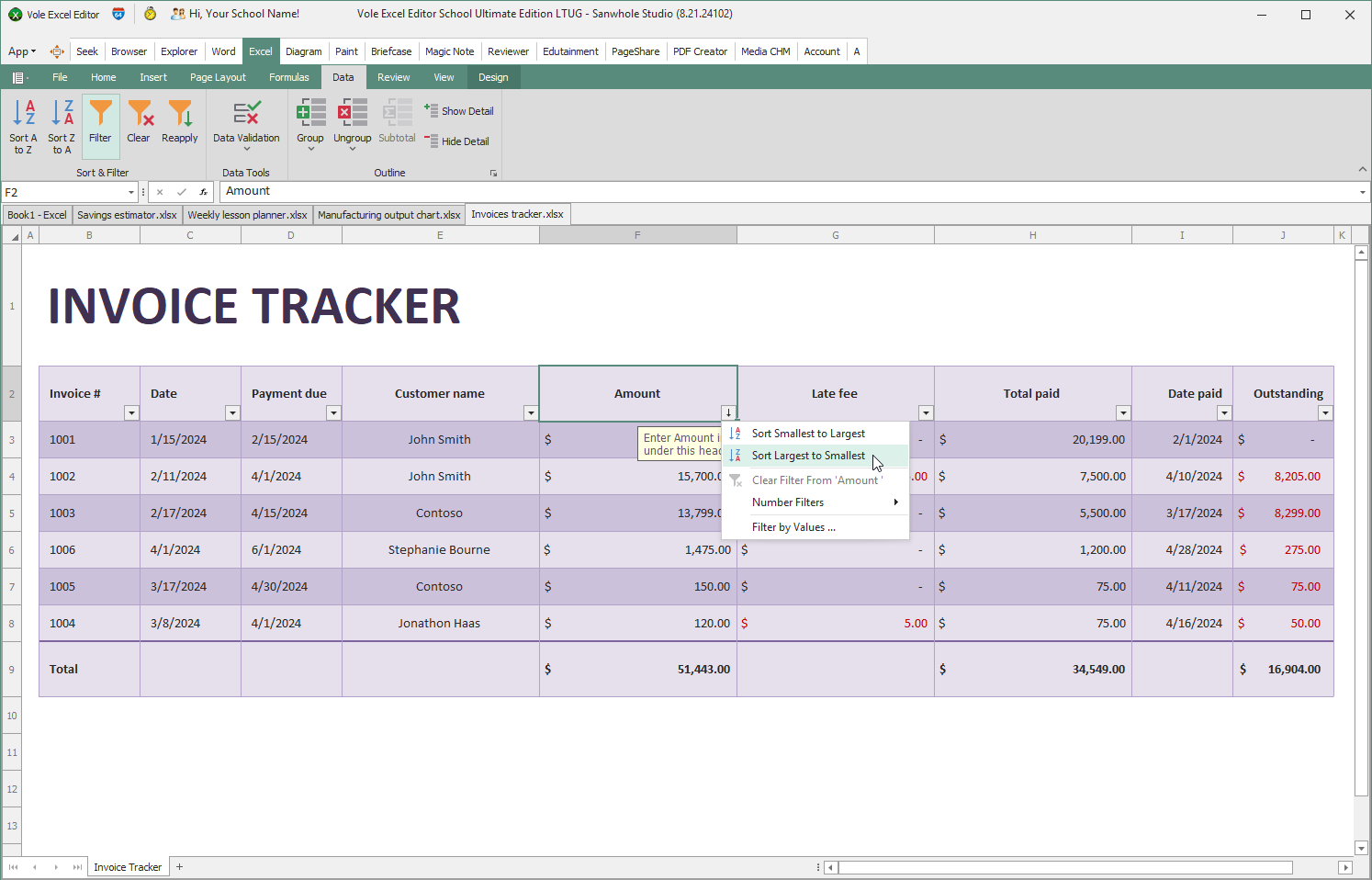
Sort worksheet data against any number of columns. Treat cell values as text (to sort alphabetically, according to the current culture), numbers, or date-time values.
Filter Cell Values
You can filter data in a range or table. Enable AutoFilter and filter by values or use built-in type-specific comparison operators such as 'greater than' and 'begins with' to show data you want and hide the rest.
Find / Replace
You can search within a worksheet, specify whether the operation should be case-sensitive, and search using regular expressions.
Protect your work and prevent unauthorized access.
Password encryption prevents unauthorized users from opening or modifying your workbooks. You can restrict changes to workbooks, worksheets, and specific ranges. In a protected workbook, users are not allowed to add, delete or rename worksheets.
Various sheets can have different protection levels. For instance, you can unlock a range for some users while other users may be prompted for a password.
Keep your data clear and accurate.
Vole Excel control gives you the total control over cell editing.
Auto Fill
Formula Bar
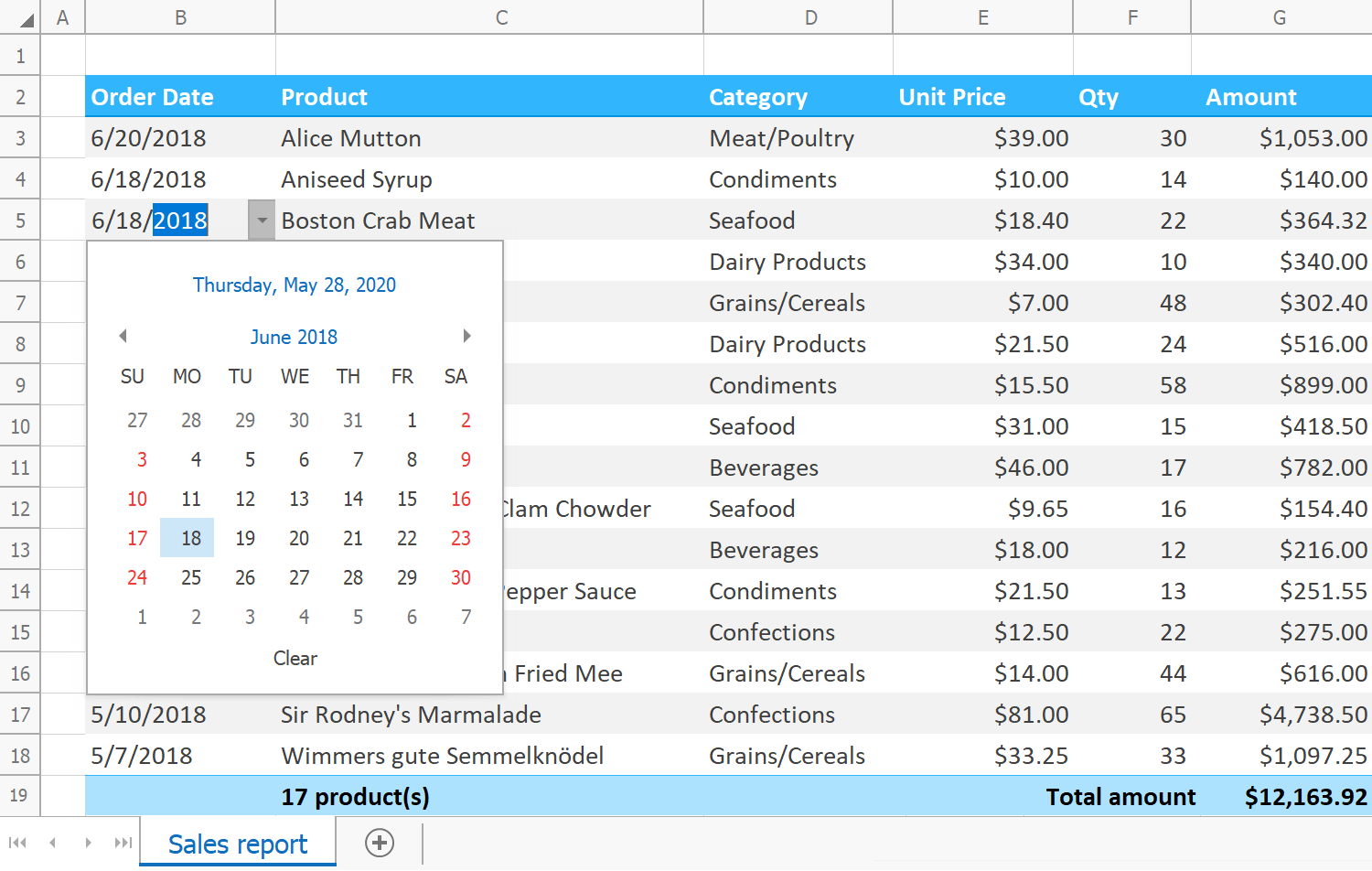
Predefined In-cell Editors for List, Date-Time and Boolean Values
Custom Editors for Worksheet Cells
Copy / Cut / Paste / Paste Special
Insert / Delete Rows and Columns
Redo / Undo
Display Customizable Error Messages
Highlight Invalid Values
You can bind a worksheet or cell range to various data source types: ADO.NET, SQL, custom objects, etc. A cell range can also be used as a data source for any data-aware control.
Vole Office Classic Experience
Review what others have to say
“There is no doubt that the market has been overflown with MS Office Suite replicas or programs that imitate at least some of its components. However, few manage to stand out with a familiar look or extra tools brought to the table. Vole Office, however, is not simply an MS Office clone, but it offers such a wide range of features that it can be considered a valid "alternative" to it.”
- Teodor Nechita
“The gist of it is that the software aims to replicate the Word and Excel Office experience, and to that extent, we can say it does a great job. Add images and hyperlinks and make use of the rich text and paragraph styles functionalities for a close-to-authentic Word experience. Work with tables, charts, and introduce intricate functions for comprehensive, well-detailed Excel spreadsheets. It's all here, within arm's reach.” - Robert Condorache
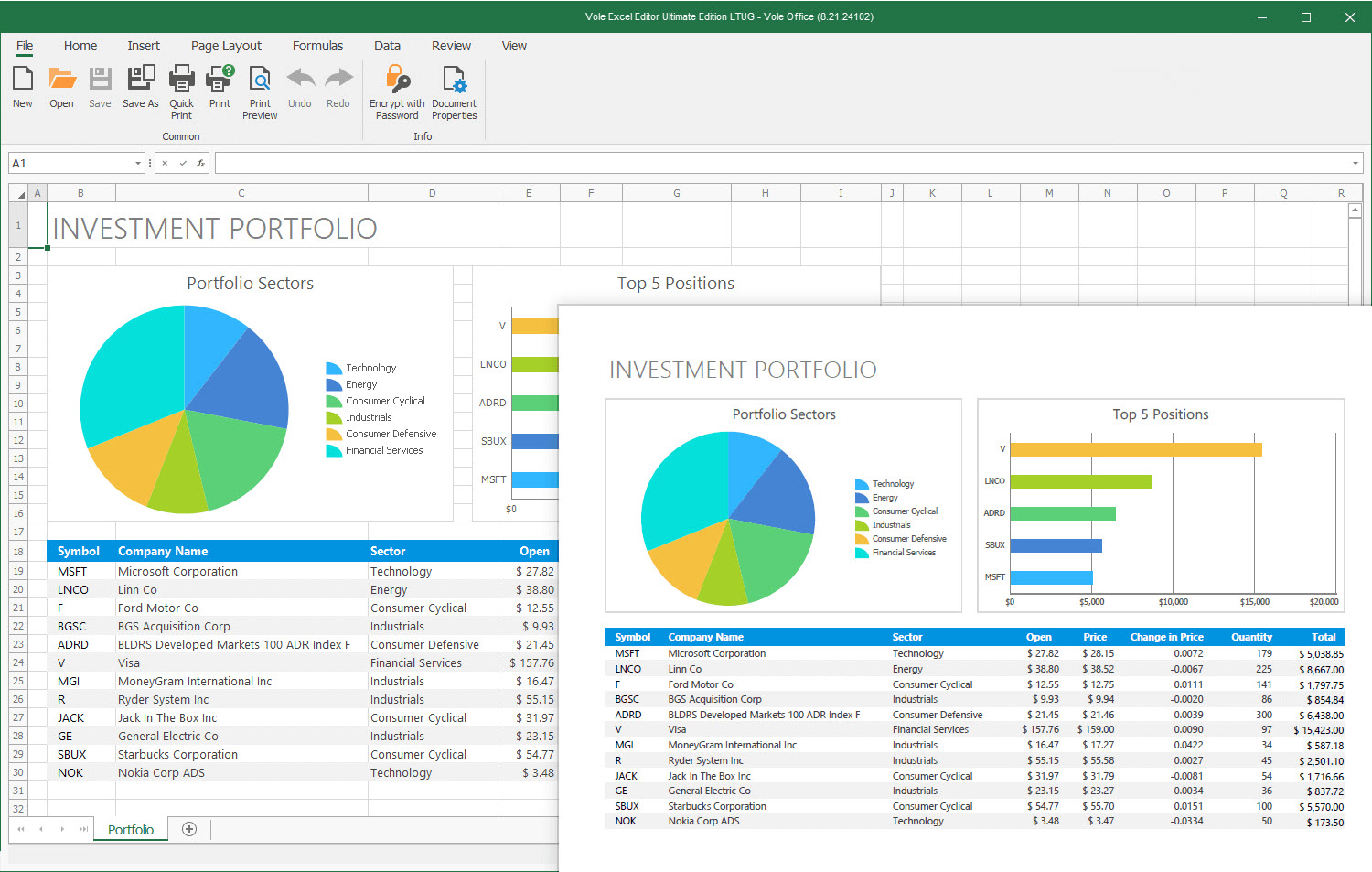
* Although Vole Excel does not support creating and editing Shapes, 3D Models, SmartArt and Chart, it can be previewed. Vole Excel supports previewing them created by Microsoft Excel, and the preview effect is consistent with Microsoft Excel.
 Sanwhole