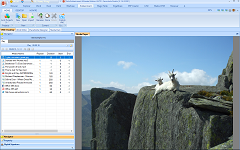
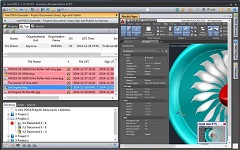
One-click to get all your files and folders ready in a nicely gallery format
A dual-explorer, built-in previewer, dock, recoverable, 4K supported file manager
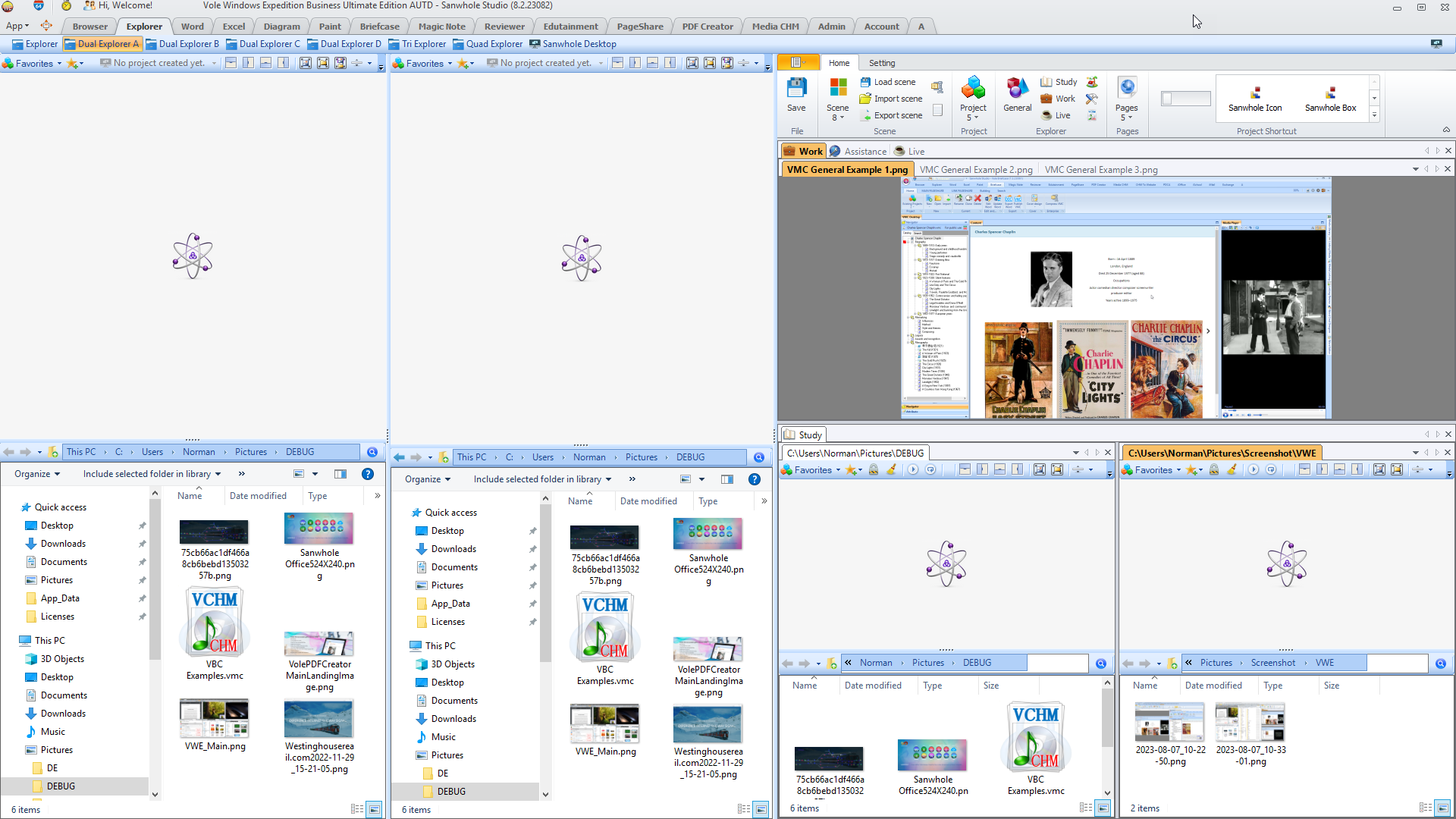
Vole Windows Expedition is a new generation file manager, a fast and more graceful way to manage your documents. Vole Windows Expedition has Four Dual-Explorers, one Tri-Explorers and one Quad-Explorers. Each file explorer provides full functional modern file explorers and fully compatible with Microsoft file explorer. Scene-Reproduce feature save file and folder customized when software closing and restore them at startup to reproduces all the files and folders that you customized automatically. Document Previewer lets you view a variety of resources in the built-in media player include images, audio, video, Microsoft Office Word, Excel, PDF, CHM, VMC, RTF, TXT, SWF, GIF, HTM, HMT etc. Docking-tabs dock and table file previewer and file explorer form as you want.
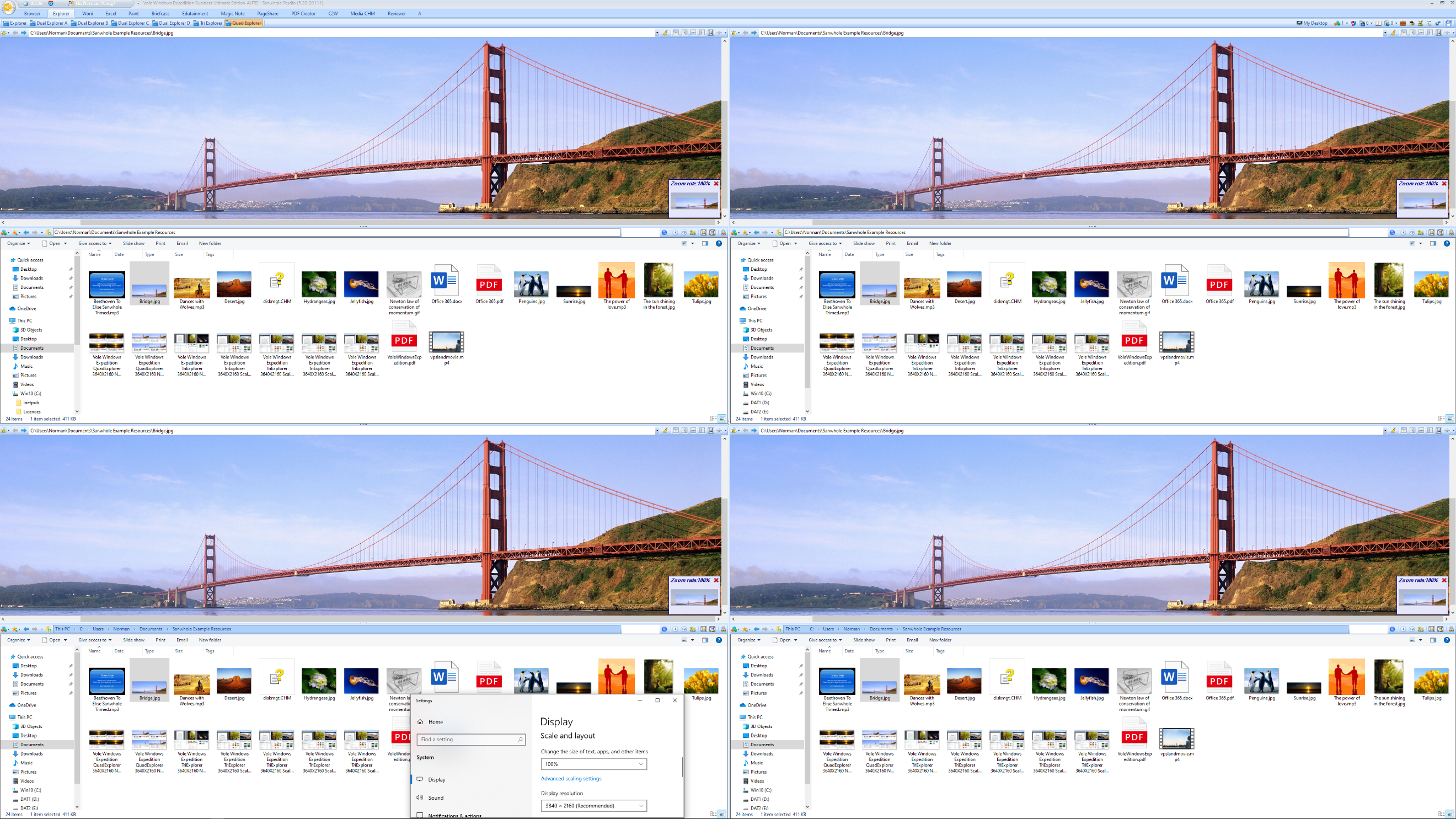
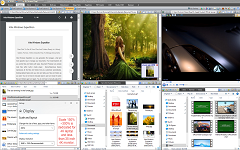
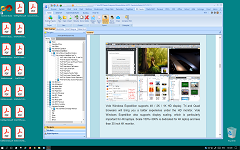
Vole Windows Expedition supports 4K / 2K / 1K HD display. Tri-Explorers and Quad-Explorers will bring you a better experience under the HD monitor. Vole Windows Expedition also supports display scaling, which is particularly important for 4K laptops. Scale 150%~300% is dedicated for 4K laptop and less than 35-inch 4K monitor.
So, you do not have to manually search, open and close the same files and folders again and again. You do not have to manually adjust the files and folders docking and table position again and again. So have a cup of coffee, open the software lets Vole Windows Expedition do all for you, it will save much time for you every day.
Multiple screens, automatic layout saving and recovery, built-in 16 standard file managers, built-in multiple file previewers, built-in common file editors, even if Microsoft Office is not installed , you can directly preview and edit Word and Excel files, you can preview almost all audio and video, and the picture preview supports zooming.
High-resolution material management : Supports 4K file preview and gallery-style layout, suitable for photographers and video editors to quickly browse and manage massive HD materials.
Visual document classification : Through the " one-click organization " function, complex file structures can be transformed into an intuitive visual interface to improve the efficiency of design team collaboration .
2. Industrial and outdoor work scenarios
Power inspection and equipment maintenance : Run on a ruggedized Windows industrial tablet (such as T100 ), and cooperate with the power inspection software to realize the rapid call and synchronization of files such as on-site fault reports and thermal imaging data.
Adaptability to extreme environments : Compatible with industrial equipment with IP65 protection level, it can stably process key files such as disaster area image records, map data, etc. in scenarios such as earthquake relief.
3. Enterprise -level document collaboration and mobile office
Efficient management in offline scenarios : As a component of the Vole Office suite, it does not require installation and supports direct operation from a USB flash drive, making it convenient for field staff to manage contracts, drawings and other materials offline.
Multi- tasking split-screen operation : The dual-pane design supports cross-directory file comparison and batch operations, and is suitable for positions such as legal affairs and auditing that require high-frequency file interaction .
4. Smart terminal integrated application
IoT device data management : Combined with the Windows 10 IoT system, it serves as the local file hub of smart city monitoring terminals, processing structured data such as 4K video stream logs and event records.
Summary of core advantages
Scenario Requirements
Vole Adaptability
Technical support
Efficient file interaction
Dual pane + one-click organization
Lightweight architecture (only 170MB)
Complex environment stability
Compatible with industrial-grade hardware protection
Designed for non-dependency operation
Multimodal data compatibility
Supports professional formats such as GIS, SCADA, etc.
Native Windows API Adaptation
Through modular design and low resource consumption, the tool achieves deep integration of professional file management and industry needs in multiple scenarios.
Multi-panel full functional windows file explorer
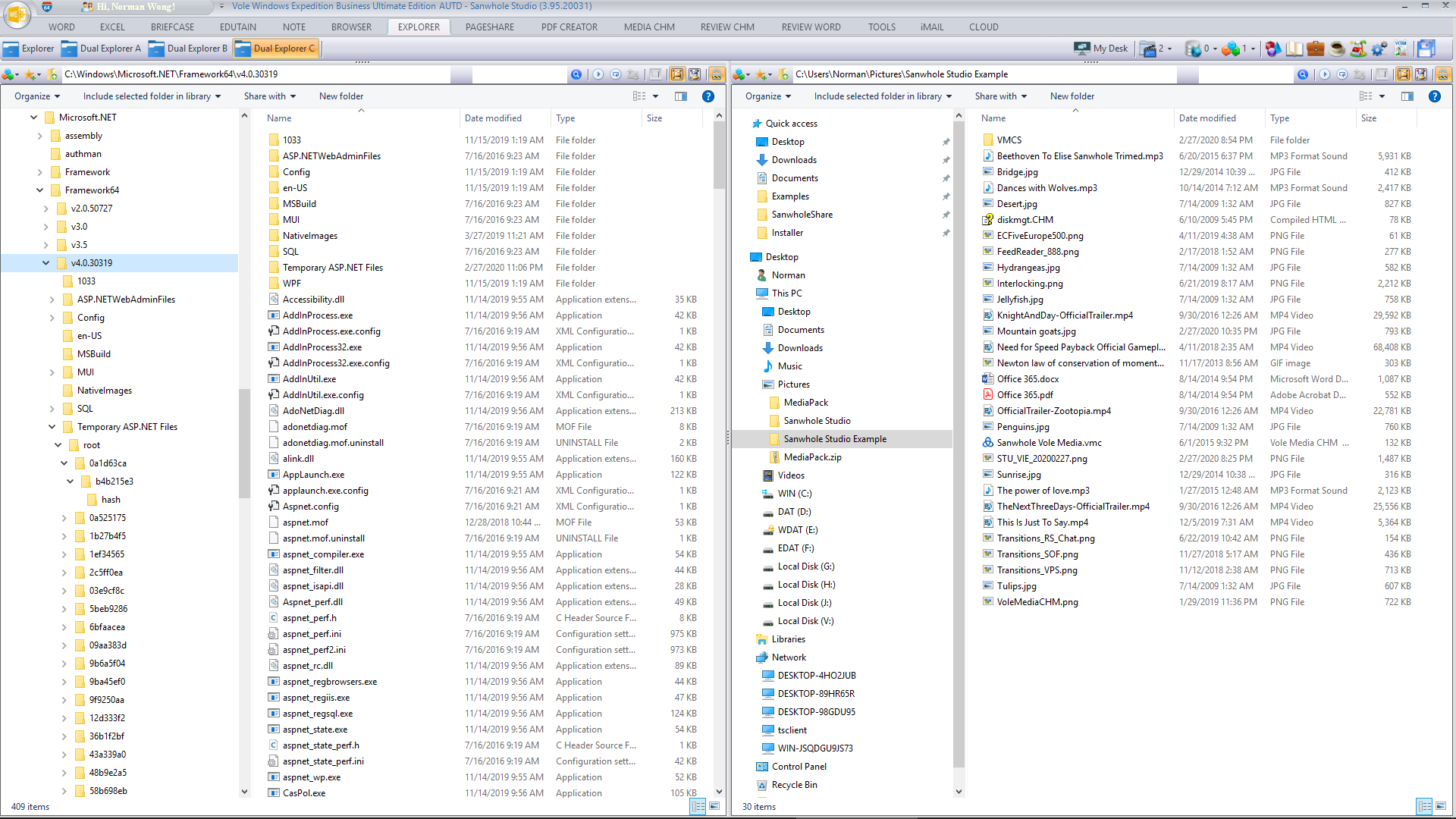
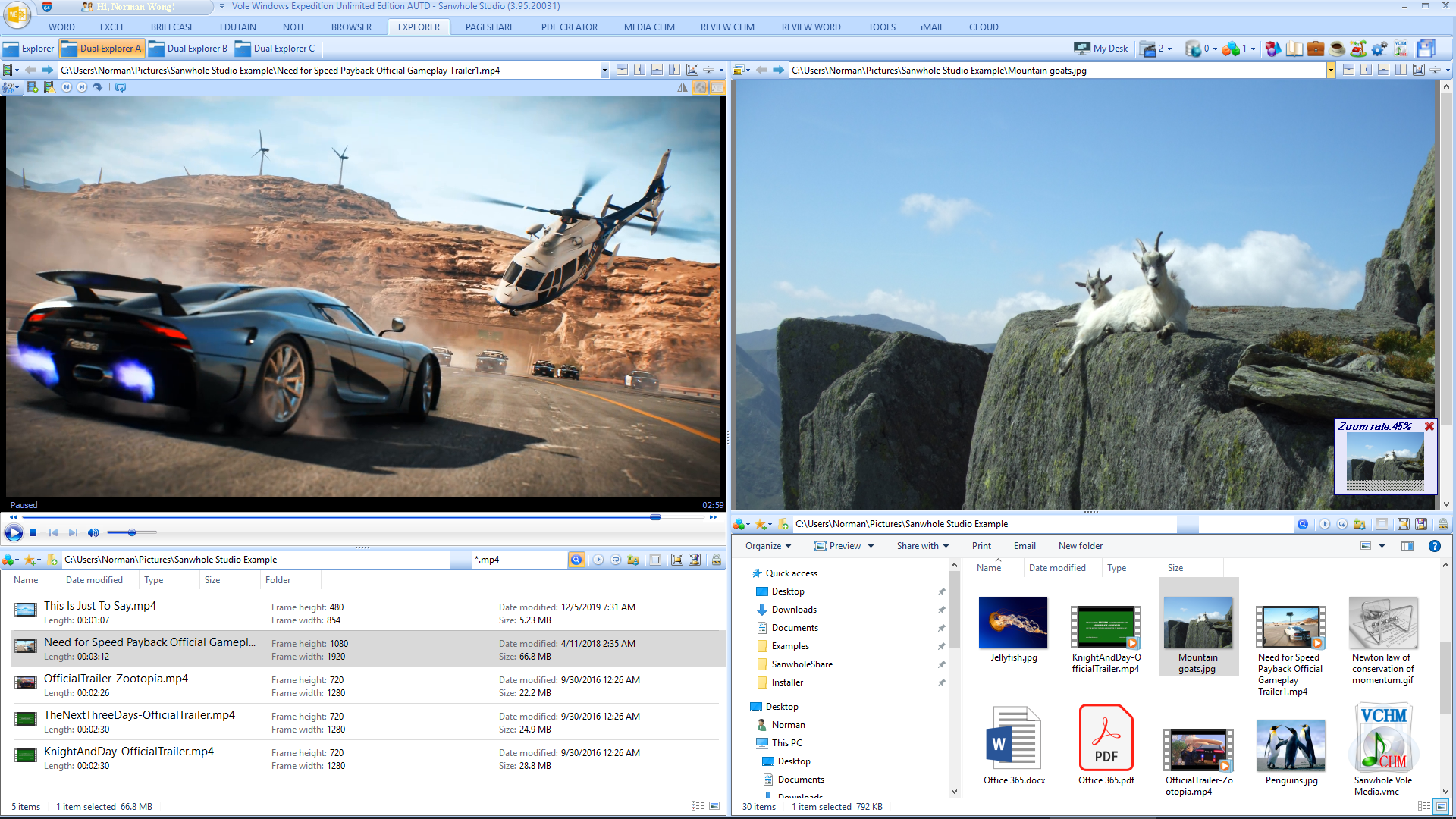
Vole Windows Expedition dual explorer is a combination of two Windows file explorer. Each explorer is a full function fully compatible Windows file explorer. You can display the explorers in vertical or horizontal and prominent each explorer via one click.
Vole Windows Expedition presets one single file explorer, four dual-panel file explorers, one tri-panel file explorers and one quad-panel file explorers. And you can also add any file explorers in Vole Windows Expedition My Desktop. All file explorers support reproduce function, which can automatically open recently opened folders and files.
Dual-panel file explorers
Tri-panel file explorer
Quad-panel file explorer
Path Guider
No need to flip pages to view the current addresses of 16 file explorers. The brighter the color of the address, the closer it was opened.
Built-in Editor
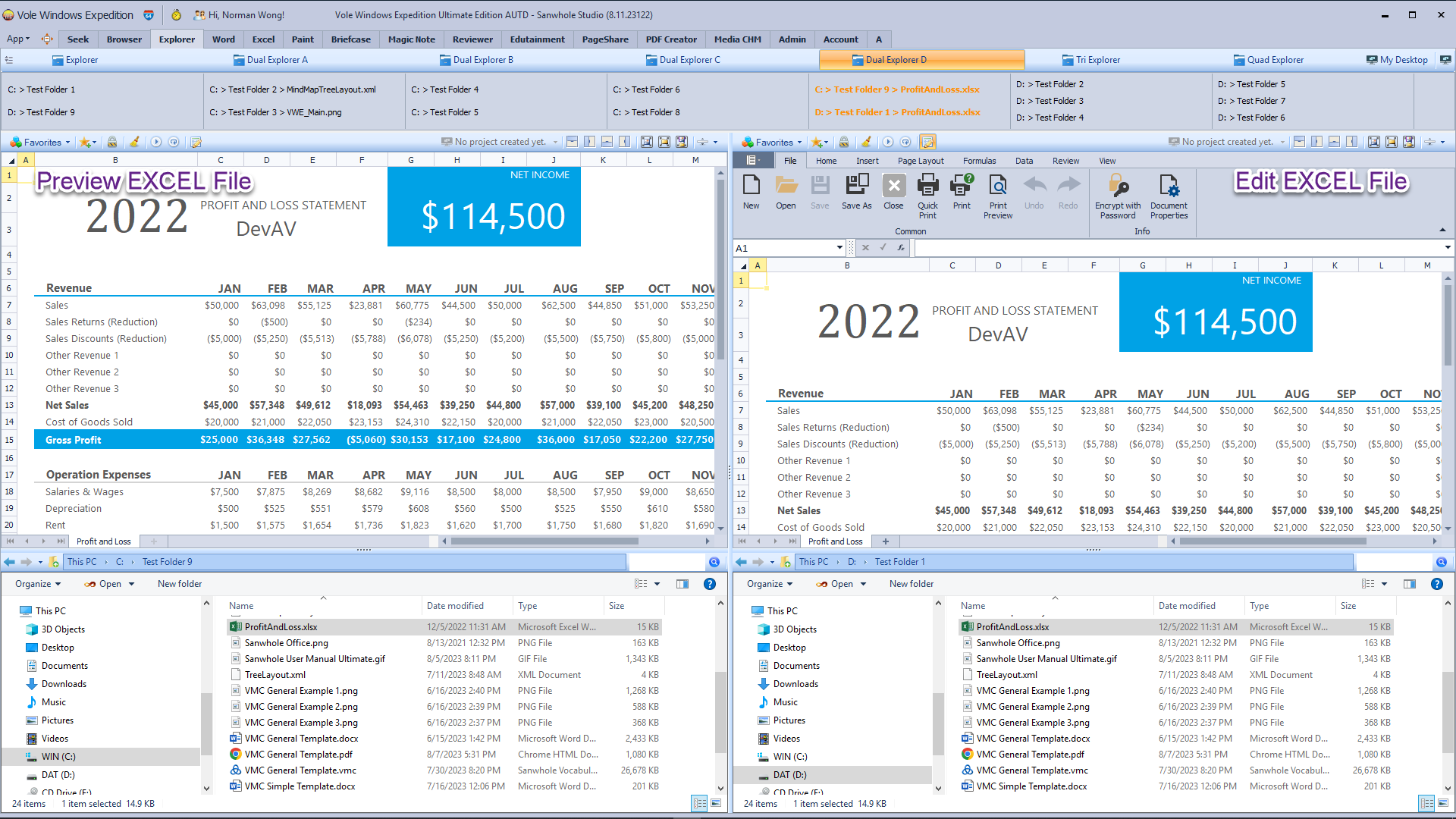
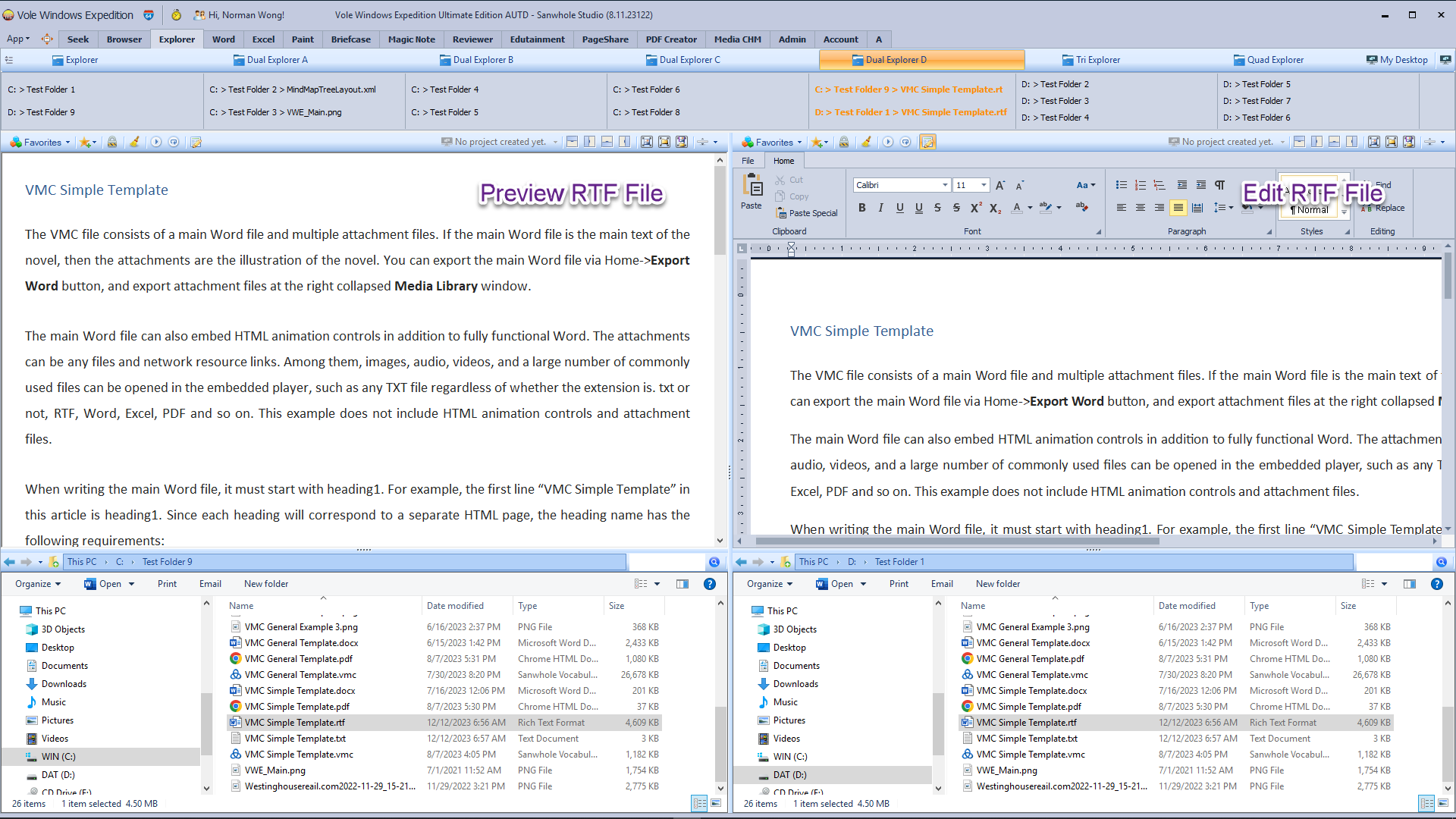
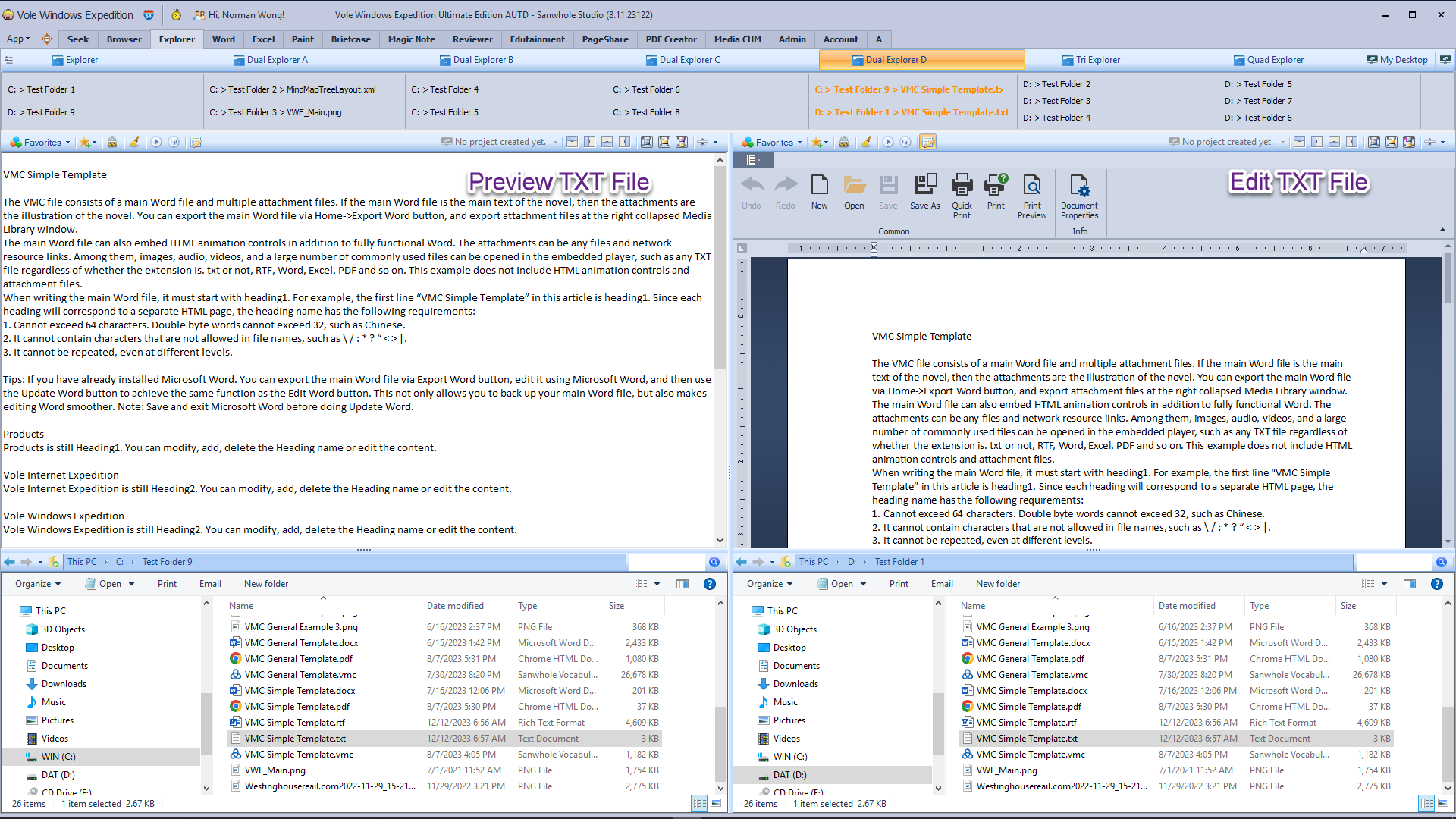
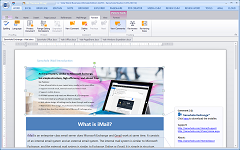
Built-in Images, TXT, RTF, Word, Excel, and Diagram editors allow you to edit and save these files directly while browsing without the need to open other software.
Preview and Edit Image File
Preview and Edit Diagram File as Visio
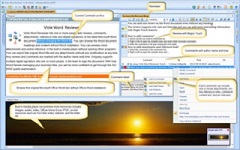
Preview and Edit Word File
Preview and Edit Excel File
Preview and Edit RTF File
Preview and Edit TXT File Including TXT files that are not TXT extensions
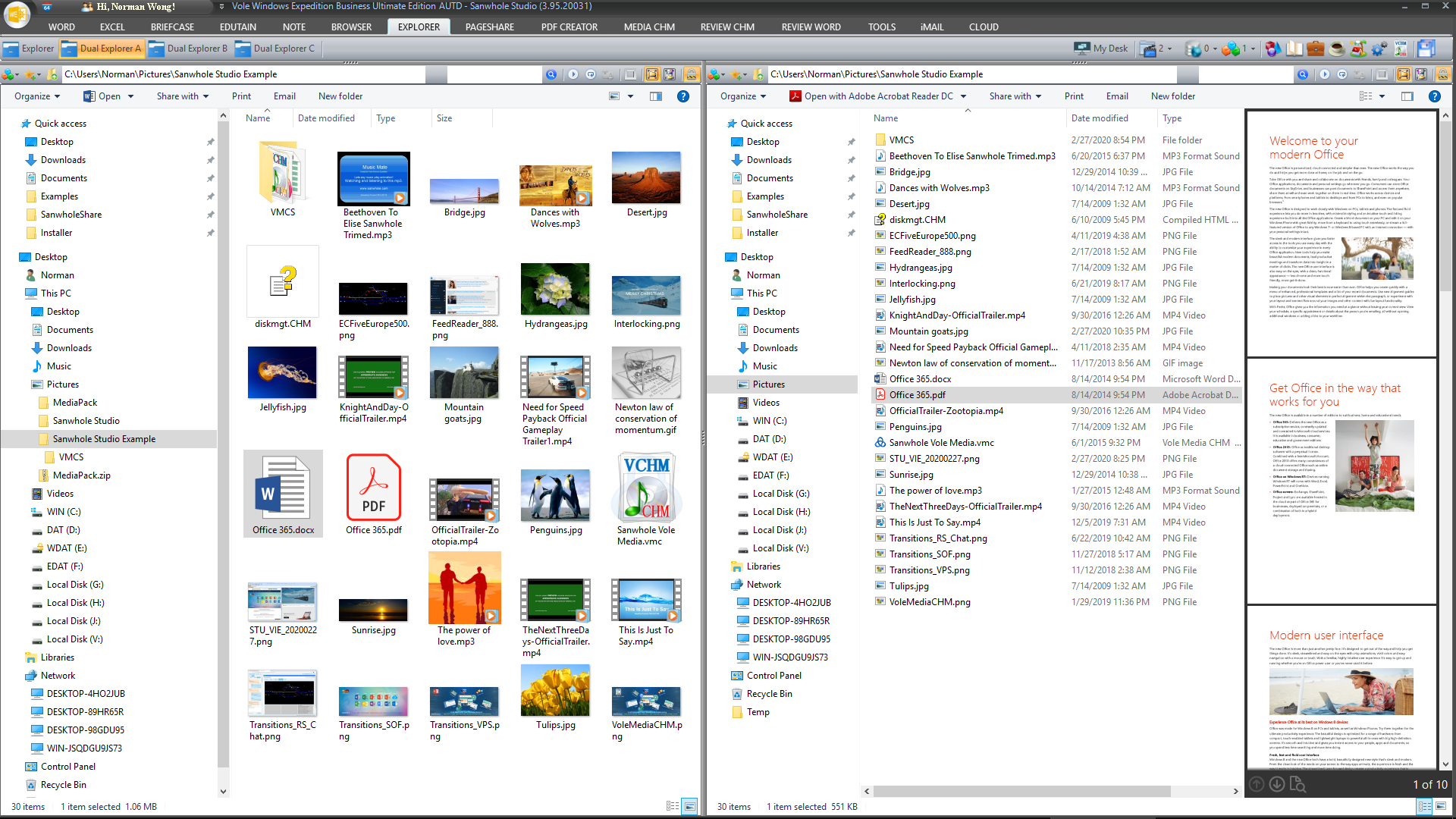
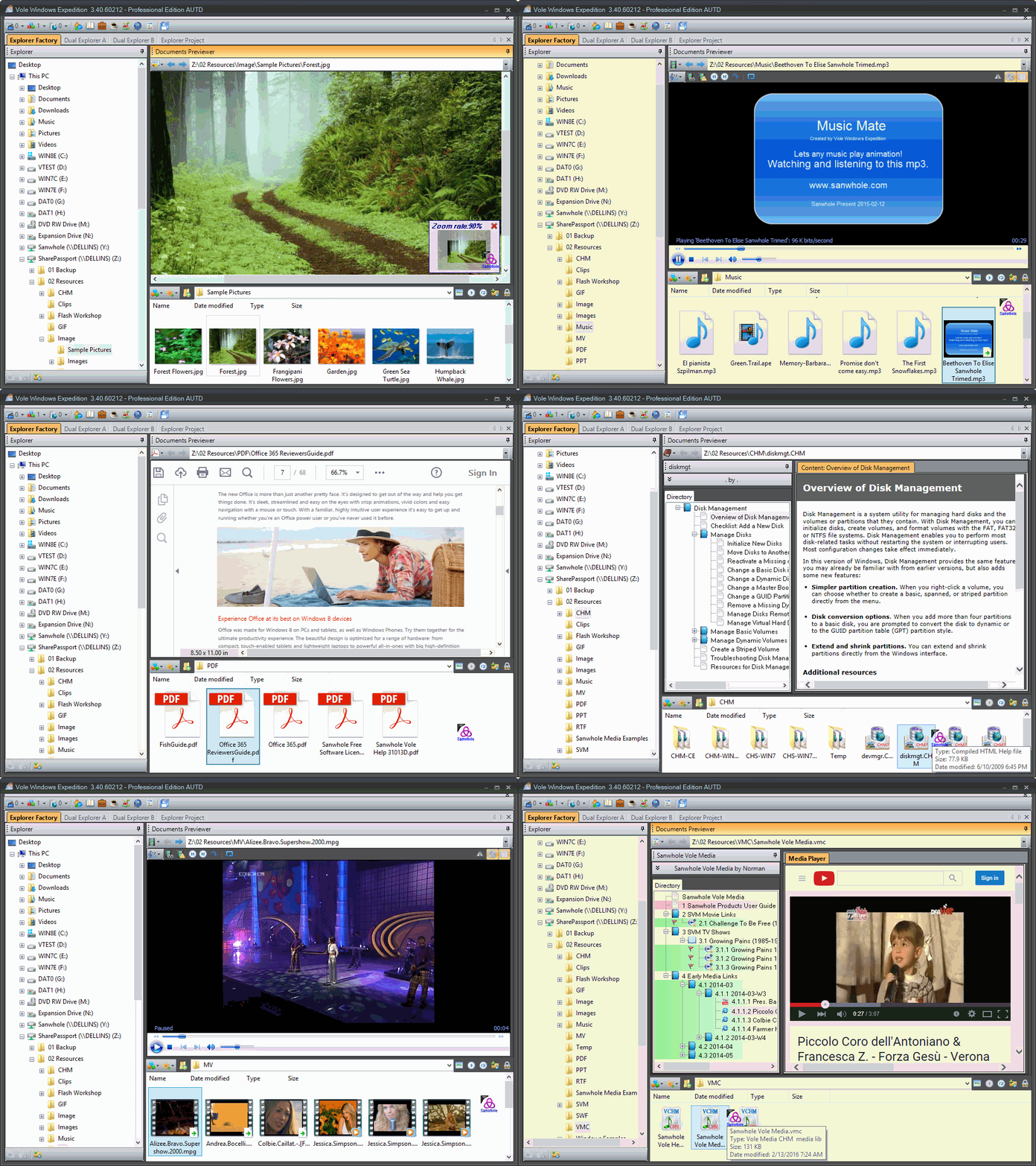
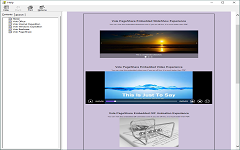
Document Previewer lets you view a variety of resources in the built-in media player.
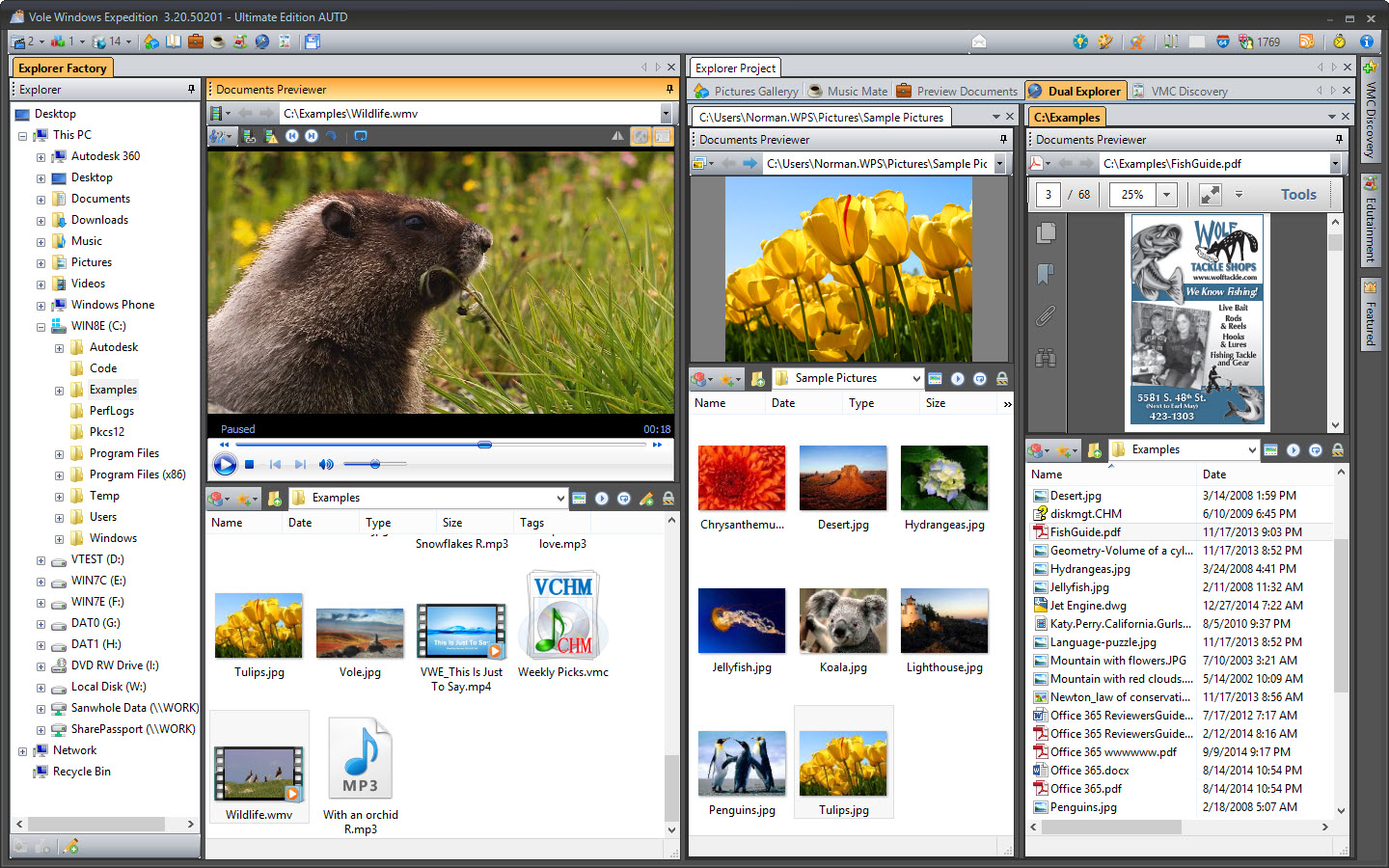
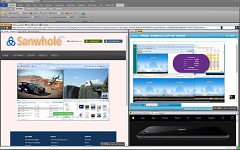
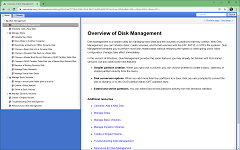
With Documents Previewer, you may preview images, audio, video, Microsoft Office Word, Excel, PDF, CHM, VMC, RTF, TXT, SWF, GIF, HTM, and HMT in the built-in media player. You can also preview online resources such as YouTube video, websites, webpage within VMC.
Detail = Preview CHM and PDF
Detail = Preview MP4 and PDF
Detail = Preview MP4 and Image
Scene-Reproduce
One-click operate, gets all files and folder within any scene ready automatically. Instant navigation and accurate position. Scene-Reproduce feature will automatically save the opened files and folder and their docking configuration to your local disk and will restore the opened files and folder same as saved when starts. And more, scene can be exported and imported. If you export your scene and import to as many as other computers, BOOM, all the other computers will open files and folders same as yours.
Five-level Topology
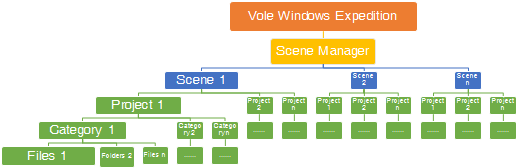
Files and folders, categories, projects, scenes and scene manager five-level topology structure, the heaviest loaded file manager.
Docking-Tabbed
Docking-Tabbed is premium window control technology that lets you dock and table window as you want, Parallel, Vertical, Horizontal, Float, Horizontal Group, Vertical Group, Prominent, etc. This lets you view your web pages more convenient than ever. Most of the software you can imagine cannot provide this complicated feature, such as Windows, Office, iTunes, etc. Up to now, any other file managers don't have this feature.
4K Supported
Vole Windows Expedition supports 4K / 2K / 1K HD display. Tri and Quad browsers will bring you a better experience under the HD monitor. Vole Windows Expedition also supports display scaling, which is particularly important for 4K laptops. Scale 150%~300% is dedicated for 4K laptop and less than 35-inch 4K monitor.
 Sanwhole